YouTube 音量控制 Chrome 插件, crx 扩展下载
CRX扩展文件安装方法
第1步: 打开Chrome浏览器的扩展程序
第2步:
在地址栏输入: chrome://extensions/
第3步: 开启右上角的【开发者模式】
第4步: 重启Chrome浏览器 (重要操作)
第5步: 重新打开扩展程序管理界面
第6步: 将下载的crx文件直接拖入页面完成安装
注意:请确保使用最新版本的Chrome浏览器
同类插件推荐
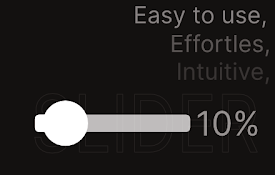
YouTube Music Manager
Extension adds volume percentages, improves slider
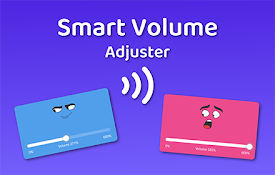
Smart Volume Adjuster - 音量控制
Volume control - 轻松一键调节 Chrome 音量我们为那些无法想象没有音乐、视频和

Mia - Volume Booster
Boosting your volume for YouTube, audio.Mia - Volu

YouTube Volume Scroll Master
Makes the YouTube Volume go woosh when scrolling o

Volume Scroll
Scrollable volume for any video on the internetScr

YouTube Volume Control
Control YouTube video volume with mouse wheel.Have
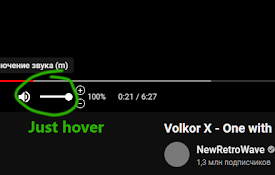
Youtube volume booster | Take control
Simple Youtube volume boosterIs the YouTube video
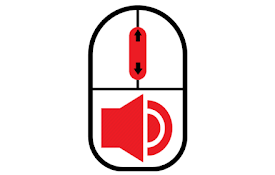
Youtube Volume Scroll
Enable scrolling mousewheel to control volume on Y

YouTube 音量控制
精确控制YouTube音量,可调高至300%,关闭浏览器后仍能保存设置。这个Chrome扩展允许您精

Volume Booster for Youtube
Boosts volume beyond 100% to upto 500%Boost your y

Volume Booster for YouTube™
Increase the volume of the YouTube™ player twice,

Youtube volume input
custom youtube volume input that shows current vol

Youtube Music Volume Slider Fix
Fixing the music slider to have finer control over