Linux Commands - Basic Cheatsheet Chrome 插件, crx 扩展下载
CRX扩展文件安装方法
第1步: 打开Chrome浏览器的扩展程序
第2步:
在地址栏输入: chrome://extensions/
第3步: 开启右上角的【开发者模式】
第4步: 重启Chrome浏览器 (重要操作)
第5步: 重新打开扩展程序管理界面
第6步: 将下载的crx文件直接拖入页面完成安装
注意:请确保使用最新版本的Chrome浏览器
同类插件推荐

Linux Commands - Basic Cheatsheet
Learn Linux commands with our cheatsheet. Find bas

Online Linux Terminal - Practice Commands
Free online Linux terminal to practice commands. L

Google Services Launcher
An extension that will allow the quick and easy la

提高生产力的搜索引擎 - GoSearch
免费使用 OffiDocs 生产力平台的优质互联网搜索引擎此扩展程序将您的搜索引擎设置为 GoSea
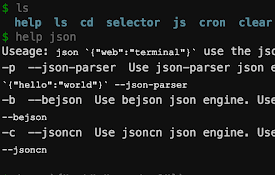
WebTerminal
一个专为程序员打造的浏览器终端,可以用命令行来操控浏览器,它很小,而且很美。This termina

Linux Mint 在线服务器
免费托管OnWorks,运行Linux Mint在线服务器此扩展程序提供OnWorks Linux
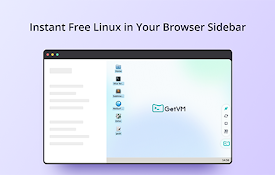
GetVM:免费的 Linux 和 IDE 侧边栏
GetVM:在浏览器侧边栏免费启动 Linux、IDE 和应用,随时上手学习编程、测试代码!✨ Ge
Fedora 免费在线linux服务器
从 OnWorks 免费服务器托管服务提供商运行Linux Fedora,RedHat, CentO

Android Terminal
Access your USB-connected Android terminal without

Chrome Terminal
A Chrome Extension to execute customized commands

Android Developer Toolbox
A quick access toolbox of Android developer tools,

适用于 Windows 和 Linux 的软件下载器
用于搜索和下载与 OnWorks 集成的应用程序的软件和程序下载器这个扩展是一个软件和程序下载器,用

ManRepository - Linux手册页
The Linux man-pages repository for Linux commands