Shot Clock Chrome 插件, crx 扩展下载
CRX扩展文件安装方法
第1步: 打开Chrome浏览器的扩展程序
第2步:
在地址栏输入: chrome://extensions/
第3步: 开启右上角的【开发者模式】
第4步: 重启Chrome浏览器 (重要操作)
第5步: 重新打开扩展程序管理界面
第6步: 将下载的crx文件直接拖入页面完成安装
注意:请确保使用最新版本的Chrome浏览器
同类插件推荐

Open Selected URLs In New Tabs Context Menu
Open Selected URLs In New Tabs Context MenuA right
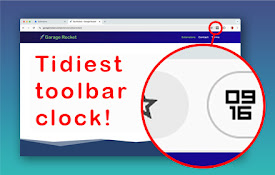
Icon Clock: tidiest toolbar time!
An elegant little address bar clock with digital a

Open link in this tab
Some links only open in new tabs when you click th

Shot Clock
Basketball inspired 24 second shot clockA basketba
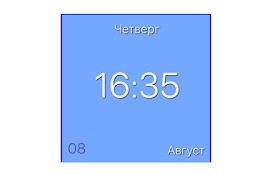
Digital clock for Google Chrome ™
Simple digital clock with a flat design for Google

HMS Clock
Hour-Minute-Second, Digital ClockOne-click to view

Timer
A simple timer"A Simple Timer" is a prac
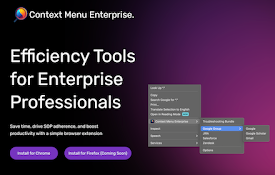
Context Menu Enterprise
Save time, drive SOP adherence, & boost produc

Bookmark Clock v2
Adds a bookmark with the current timeA great way t
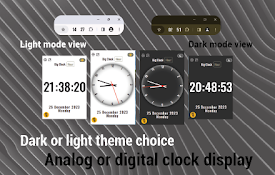
Big Clock | Minute
It is a add-on that displays the current hour and

Big Clock | Hour
It is a add-on that displays the current hour and

Badge Clock: simple toolbar clock
Keep an eye on the time, even with taskbar hidden,
Time Icon
View the current time from the chrome extension ba