JSON Formatter Chrome 插件, crx 扩展下载
CRX扩展文件安装方法
第1步: 打开Chrome浏览器的扩展程序
第2步:
在地址栏输入: chrome://extensions/
第3步: 开启右上角的【开发者模式】
第4步: 重启Chrome浏览器 (重要操作)
第5步: 重新打开扩展程序管理界面
第6步: 将下载的crx文件直接拖入页面完成安装
注意:请确保使用最新版本的Chrome浏览器
同类插件推荐

JSONView
在浏览器中查看JSON 文件.通常当遇到JSON文件(内容类型“application/json),
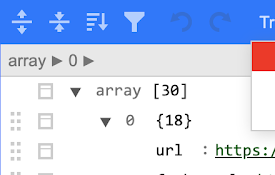
JSON Beautifier and Editor
通过将JSON对象转换为Syntax可编辑的高亮HTML来显示JSON对象,以验证、格式化和保存它们

JSON Formatter
Makes JSON easy to read. Open source.Makes JSON ea

JSON Viewer
The most beautiful and customizable JSON/JSONP hig

JSON Formatter
Makes JSON easy to read. Open source.The original

URL Decode/Encode
A nifty tool for decoding URLs that have been enco

JSON Viewer Pro
A completely free extension to visualise JSON resp

JSON Viewer
Makes JSON response easy to read.Open source JSON

JSON Viewer
Port of Firefox's JSON ViewerThis is a port of
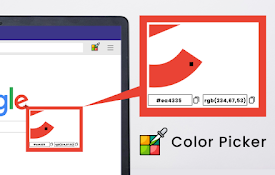
Color Picker for Chrome™
HEX, RGB Color picker, Advanched Eyedropper, Find

React Developer Tools
Adds React debugging tools to the Chrome Developer
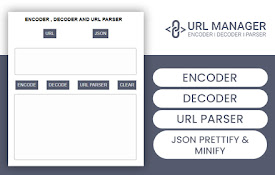
JSON Formatter
Automatic URL Encoder, Decoder tool with JSON Form

JSON Formatter
Formats JSON automatically! Open Source, Available