Ram Info Chrome 插件, crx 扩展下载
CRX扩展文件安装方法
第1步: 打开Chrome浏览器的扩展程序
第2步:
在地址栏输入: chrome://extensions/
第3步: 开启右上角的【开发者模式】
第4步: 重启Chrome浏览器 (重要操作)
第5步: 重新打开扩展程序管理界面
第6步: 将下载的crx文件直接拖入页面完成安装
注意:请确保使用最新版本的Chrome浏览器
同类插件推荐

Information about memory and processor
Show all available information about memory and pr
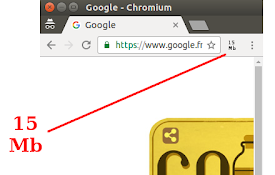
JS RAM memory consumption : usedJSHeapSize
Display the usedJSHeapSize of the current tabDispl

CPU Benchmark Finder
Performs a CPU Benchmark search from selected text
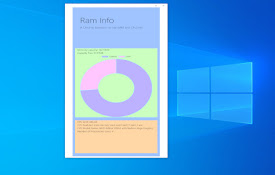
Ram Info
A Chrome Extension to see RAM and CPU InfoA small

SysMonitor
System monitorSysMonitor is a simple system monito

System Info
Displays information about the device's CPU,RA

Memory Use Percent Monitor
Monitor memory use, displayed as percent in use in

RAM light
Displays free memory.Features: 1. Adds a digit on

System CPU Usage
Monitor the system's process via the toolbar p
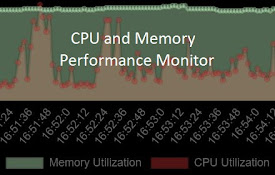
CPU and Memory Performance Monitor
Monitor Memory, CPU utilization & CPU Temp (Ch

System Monitor
Monitor system status like CPU, memory, batterySou

CPU/内存使用率监控器
在浏览器扩展图标上显示系统 CPU 或内存的使用率。此扩展会在扩展图标上显示当前系统的 CPU 或内

System Info
Adds a toolbar button that displays information ab