Sidenote Chrome 插件, crx 扩展下载
CRX扩展文件安装方法
第1步: 打开Chrome浏览器的扩展程序
第2步:
在地址栏输入: chrome://extensions/
第3步: 开启右上角的【开发者模式】
第4步: 重启Chrome浏览器 (重要操作)
第5步: 重新打开扩展程序管理界面
第6步: 将下载的crx文件直接拖入页面完成安装
注意:请确保使用最新版本的Chrome浏览器
同类插件推荐

Sticky Notes
Sticky notes on every pageSticky is the ultimate b
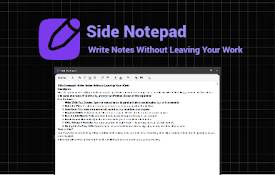
Side Notepad
Write Notes Without Leaving Your WorkSide Panel No
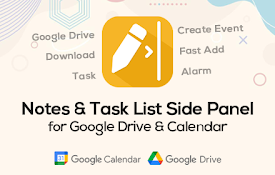
SideNotes - Google Calendar Event & Drive Sync
Manage notes with Google Calendar integration and
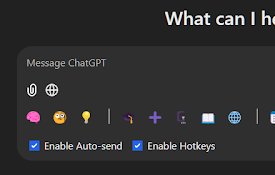
OneClickPrompts
One Click Prompts for ChatGPT, Claude, Copilot, De

BuddyBeep:您的AI探索伙伴
通过AI摘要、视频洞察、提示库、自定义问题和实时AI聊天增强网页浏览体验。AI assistant,

domainNote - 侧面板中的网站便签
使用侧面板中的实时预览 Markdown 笔记编辑器记录特定领域的笔记。 domainNote 与本

Page Notes Sidebar
Add notes to web pages and access them from the si

Sidenote
An extension to discuss a site, on the site.Add a

Note Sidebar
Simple note sidebar which can be used to write a n

Side Note
Instant note-takingSide Note is a lightweight and
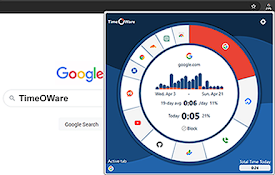
时代软件
注意您上网的时间都花在哪里。➤ 免费、轻量级和开源:github.com/timeoware/chr

OpenComments
Post public comments on any site. Own the Web. Let

Select to ChatGPT
Opens ChatGPT with selected text and inputs it int