Gblock — Block email tracking Chrome 插件, crx 扩展下载
CRX扩展文件安装方法
第1步: 打开Chrome浏览器的扩展程序
第2步:
在地址栏输入: chrome://extensions/
第3步: 开启右上角的【开发者模式】
第4步: 重启Chrome浏览器 (重要操作)
第5步: 重新打开扩展程序管理界面
第6步: 将下载的crx文件直接拖入页面完成安装
注意:请确保使用最新版本的Chrome浏览器
同类插件推荐

SafeSurfPro - Anti Phising Tool
SafeSurfPro shields you from online threats, ensur

DefendMe AI - Prevent Phishing and Identity Attacks
Protect yourself, and others too...DefendMe AI – P
Safe Browsing Guard
Protects you from suspicious domains and potential
Gmail Privacy & Screen Lock - Better Security and Privacy
Protect your Gmail privacy with screen lock, and c
Gblock — Block email tracking
Protect your privacy and block email trackers: Gbl
Smart SERP Data Collector
Pull data from Google Search Results Page for Mark
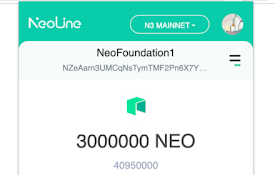
NeoOffLine
yet another NEO thin wallet for chrome extensionan
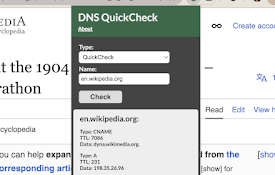
DNS QuickCheck
Quickly query DNS settings without interupting you

Userlove
Empower users with Userlove. Integrate product tou

CrecenTech Utilities
CrecenTech UtilitiesIt's a simple chrome exten

Michael's Upgrade for TrakED
Upgraded features for TrakED in the THS. (This ext

The Big Gift List
Easily add items to your 'The Big Gift List

FRC Search
FRC Search is a chrome extension that allows you t