
Delete All My Videos on TikTok™ Chrome 插件, crx 扩展下载
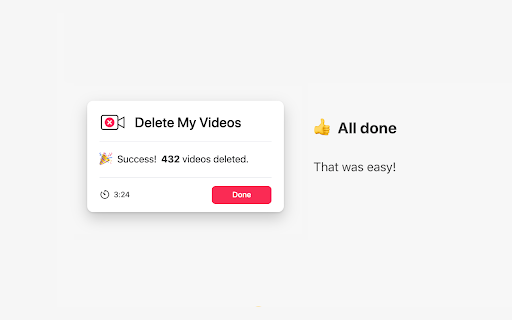
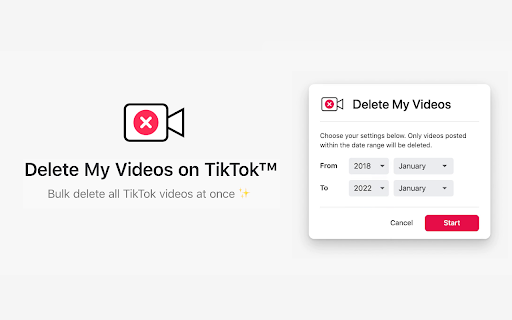
Delete all TikTok videos at once. Quickly remove all your old tiktoks in bulk with one click.
Delete My Videos makes it quick and simple to bulk delete all your old TikTok™ videos at once from your profile.
How to delete TikTok™ videos at once?
Deleting old tiktoks can be done using the app or website. But it can be a very slow and tedious process to go through all your history and clean it up, as you have to manually select each video and confirm the deletion — a process that could take hours or days depending on how much you've used the app over the years.
Delete My Videos makes it easy. With one click, you can quickly mass delete all of your saved TikTok™ videos fast.
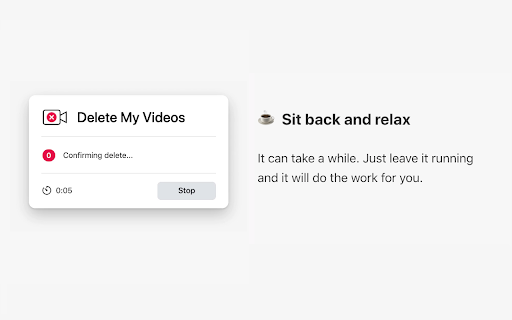
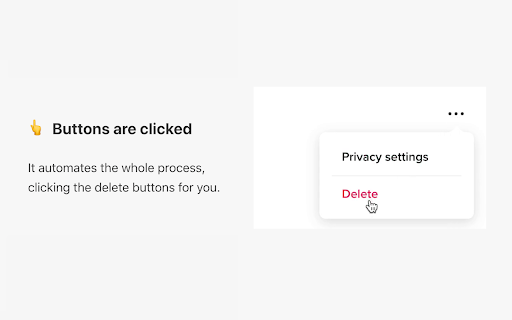
It helps with the whole process, clicking the delete buttons for you. Simply leave it running and it will do the work for you.
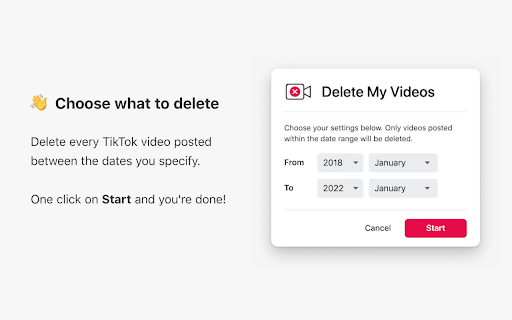
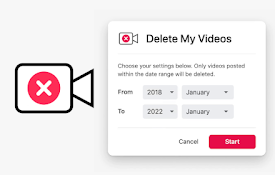
You can also choose the start & end date (year / month) to delete multiple videos between only the dates you specify.
----------
We respect your privacy. This extension does not track or record any user information, and does not access, retrieve, transmit or store any login details or any other information or data from your account.
This extension is not endorsed by, affiliated with, maintained, authorized, or sponsored by TikTok™, which is a registered trademark of Bytedance Ltd.
----------
Updates:
v1.0
- First version
| 分类 | 👥社交 |
| 插件标识 | agappolgbigaakakkneenpbgamnhpcnd |
| 平台 | Chrome |
| 评分 |
★★★★☆
4.6
|
| 评分人数 | 114 |
| 插件主页 | https://chromewebstore.google.com/detail/delete-all-my-videos-on-t/agappolgbigaakakkneenpbgamnhpcnd |
| 版本号 | 1.0 |
| 大小 | 273KiB |
| 官网下载次数 | 759 |
| 下载地址 | |
| 更新时间 | 2022-02-02 00:00:00 |
CRX扩展文件安装方法
第1步: 打开Chrome浏览器的扩展程序
第2步:
在地址栏输入: chrome://extensions/
第3步: 开启右上角的【开发者模式】
第4步: 重启Chrome浏览器 (重要操作)
第5步: 重新打开扩展程序管理界面
第6步: 将下载的crx文件直接拖入页面完成安装
注意:请确保使用最新版本的Chrome浏览器
同类插件推荐
Delete All My Videos on TikTok™
Delete all TikTok videos at once. Quickly remove a

TikTok All Liked Videos Remover
A Chrome extension to remove all liked videos on T

Web for TikTok
Browse and download your favorite videos on TikTok
截屏 for YouTube™
一键截取 YouTube 上的任何视频YouTube™ 屏幕截图扩展程序是一种软件程序或浏览器扩展程