
Scroll Back Chrome 插件, crx 扩展下载

Save your last location on a webpage
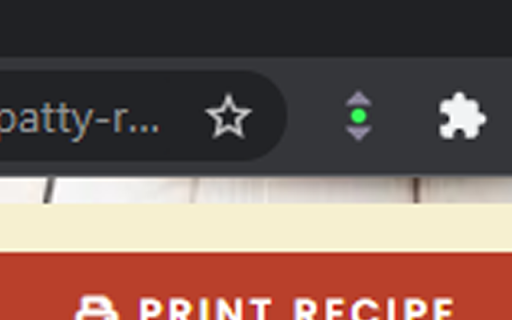
Click on the icon, setting it to green, to save the current scroll position on a webpage. Click on the icon again, setting it to red, to auto scroll the webpage back to the top when refreshed. Click on the icon again to reset back to the default mode (normal chrome scrolling).
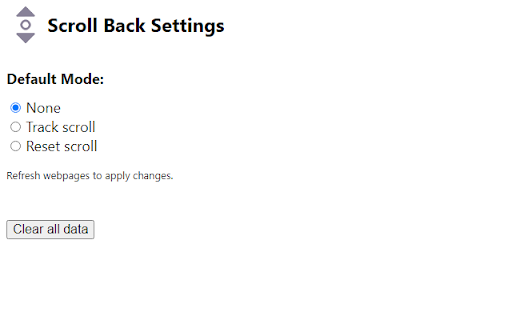
You can change default setting (mode) by going to the options page.
This should work for most websites but not pdf.
Feel free to report issues or contribute at https://github.com/ChrisK-wong/Scroll-Back
| 分类 | 📝工作流程与规划 |
| 插件标识 | apbbdcpieabljcbdecpbepdcmidjhmej |
| 平台 | Chrome |
| 评分 |
★★★★☆
4.5
|
| 评分人数 | 4 |
| 插件主页 | https://chromewebstore.google.com/detail/scroll-back/apbbdcpieabljcbdecpbepdcmidjhmej |
| 版本号 | 1.0 |
| 大小 | 11.78KiB |
| 官网下载次数 | 61 |
| 下载地址 | |
| 更新时间 | 2021-11-09 00:00:00 |
CRX扩展文件安装方法
第1步: 打开Chrome浏览器的扩展程序
第2步:
在地址栏输入: chrome://extensions/
第3步: 开启右上角的【开发者模式】
第4步: 重启Chrome浏览器 (重要操作)
第5步: 重新打开扩展程序管理界面
第6步: 将下载的crx文件直接拖入页面完成安装
注意:请确保使用最新版本的Chrome浏览器
同类插件推荐
Scroll Back
Save your last location on a webpageClick on the i

Scroll Back
Change the behaviour of Shift-Wheel to go forward

Keep scroll sync
It's an extension for keep scroll position cro

Infy Scroll - A Next Page AutoPager
Add customized infinite scrolling to websites and

Auto Scroll
Extension for lazy pplThis chrome extension is for

Scrroll-Recall
An extension to save scroll position of a webpageA

Scroll marker
Create a scroll mark on a page and scroll down to

Open to Scroll
An extension to open a link to the same position o

PageMark Navigator
Mark your position on the page and jump between ma

Scrroll In
An extension to save scroll position of a webpage✨

Auto Scroll
Auto Scroll tool. Works with all websites!Improve

Auto Scroll Search - Scroll Infinite Pages
Search and automatically scroll pages that load mo

modern scroll
将滚动提升至全新水平One of Opera's most popular and high