
Web Developer Chrome 插件, crx 扩展下载
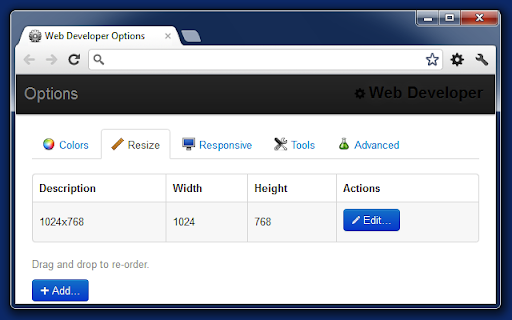
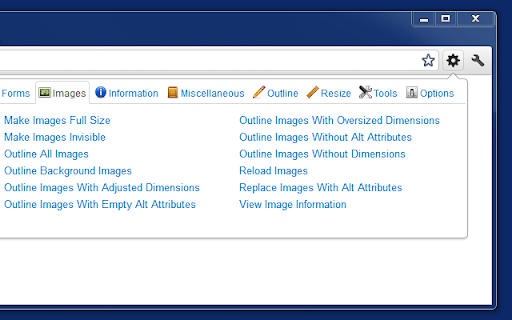
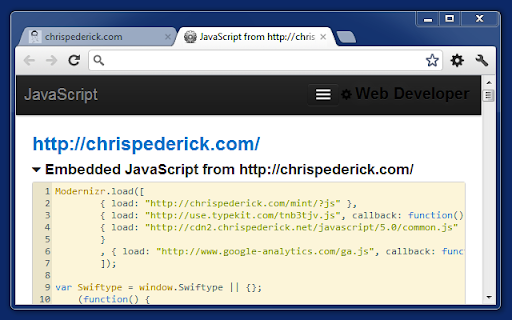
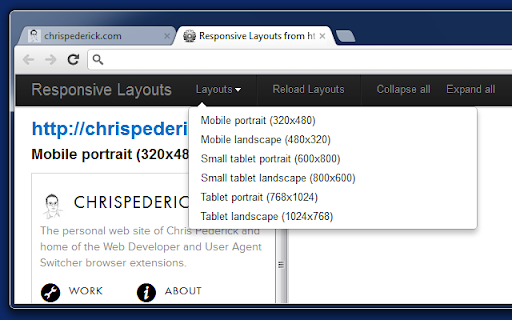
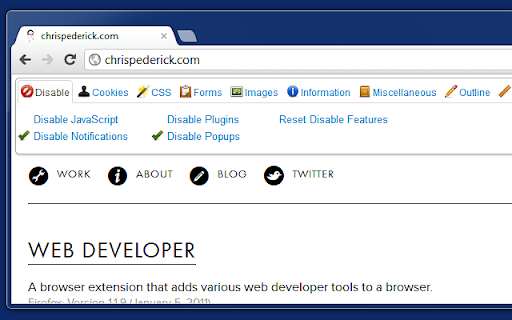
Adds a toolbar button with various web developer tools.
The Web Developer extension adds a toolbar button to the browser with various web developer tools. This is the official port of the Web Developer extension for Firefox.
--------------------
The best place for support is not in the reviews section below, but on the Web Developer site in the help:
https://chrispederick.com/work/web-developer/help/
Also available there are a full set of release notes:
https://chrispederick.com/work/web-developer/history/chrome/
| 分类 | 💻开发者工具 |
| 插件标识 | bfbameneiokkgbdmiekhjnmfkcnldhhm |
| 平台 | Chrome |
| 评分 |
★★★★☆
4.8
|
| 评分人数 | 46 |
| 插件主页 | https://chromewebstore.google.com/detail/web-developer/bfbameneiokkgbdmiekhjnmfkcnldhhm |
| 版本号 | 3.0.1 |
| 大小 | 574KiB |
| 官网下载次数 | 1000000 |
| 下载地址 | |
| 更新时间 | 2024-06-29 00:00:00 |
CRX扩展文件安装方法
第1步: 打开Chrome浏览器的扩展程序
第2步:
在地址栏输入: chrome://extensions/
第3步: 开启右上角的【开发者模式】
第4步: 重启Chrome浏览器 (重要操作)
第5步: 重新打开扩展程序管理界面
第6步: 将下载的crx文件直接拖入页面完成安装
注意:请确保使用最新版本的Chrome浏览器
同类插件推荐

Toolbox for Google Play Store™
Enhances the Google Play Store™ with various featu

WME Toolbox
Adds many features to the Waze editorIMPORTANT NOT

Web Developer
Adds a toolbar button with various web developer t

Designer Tools
A collection of tools to help you design and devel