
view-current-source Chrome 插件, crx 扩展下载
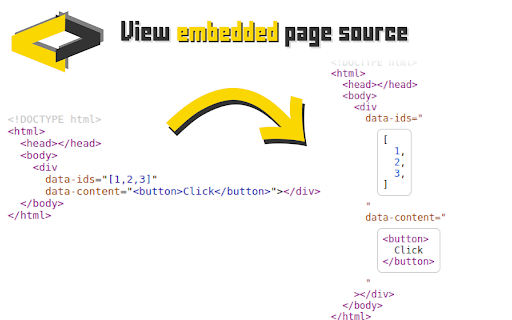
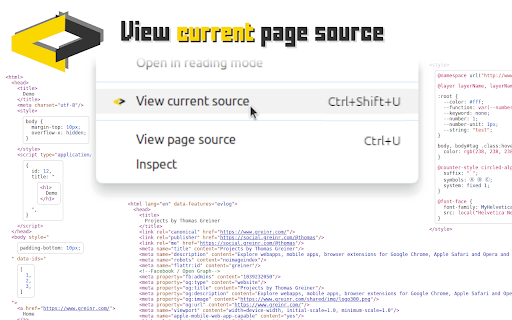
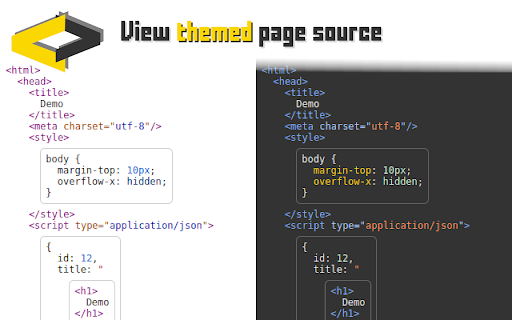
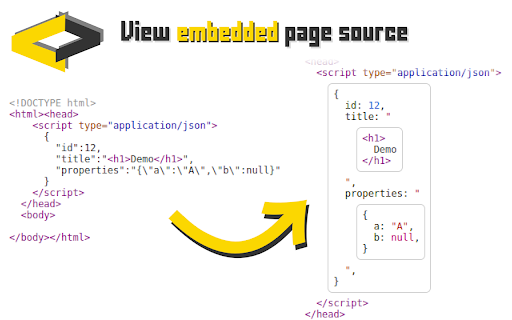
View the source code of a page at its current state.
View the source code of a page as it is at the moment you look at it.
➤ View the source code of dynamically generated pages.
➤ View the source code that is embedded in the page.
➤ View the source code the way you want.
To view the page's source code, either:
➤ Right-click and select "view current source" from the context menu.
➤ Use the keyboard shortcut (CTRL+Shift+U).
As with "View page source", you can search the source code with "CTRL+F" to find the code section that you're looking for.
Please feel free to suggest more features. Just leave a comment below or contact/follow me on Mastodon:
https://social.greinr.com/@thomas
| 分类 | 💻开发者工具 |
| 插件标识 | bloebkffnmchginelkmdcemamcdeamei |
| 平台 | Chrome |
| 评分 |
★★★★☆
4.5
|
| 评分人数 | 37 |
| 插件主页 | https://chromewebstore.google.com/detail/view-current-source/bloebkffnmchginelkmdcemamcdeamei |
| 版本号 | 1.7 |
| 大小 | 340KiB |
| 官网下载次数 | 2000 |
| 下载地址 | |
| 更新时间 | 2024-08-18 00:00:00 |
CRX扩展文件安装方法
第1步: 打开Chrome浏览器的扩展程序
第2步:
在地址栏输入: chrome://extensions/
第3步: 开启右上角的【开发者模式】
第4步: 重启Chrome浏览器 (重要操作)
第5步: 重新打开扩展程序管理界面
第6步: 将下载的crx文件直接拖入页面完成安装
注意:请确保使用最新版本的Chrome浏览器
同类插件推荐

HTTP Headers
Quickly view HTTP headers for the current page.Dis

SEO Broken Link Checker
Check for broken links on the current page.Easily

view-current-source
View the source code of a page at its current stat

無邊框視窗
使用無邊框視窗開啟目前瀏覽的網頁1.點擊擴充插件圖示->以無邊框視窗開啟目前瀏覽的網頁 2.滑