
GPT+ (GPT Plus) Chrome 插件, crx 扩展下载
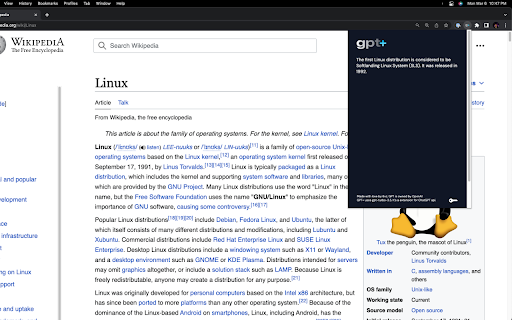

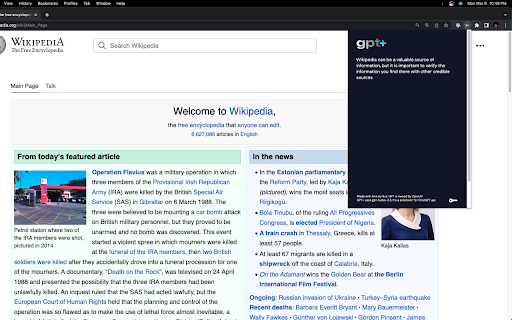
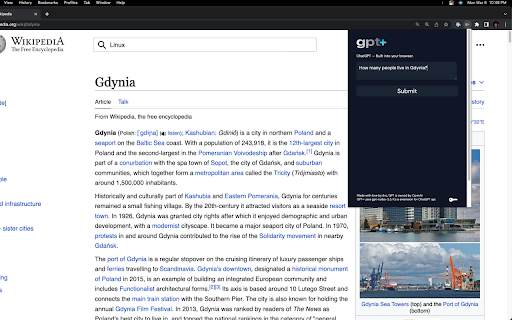
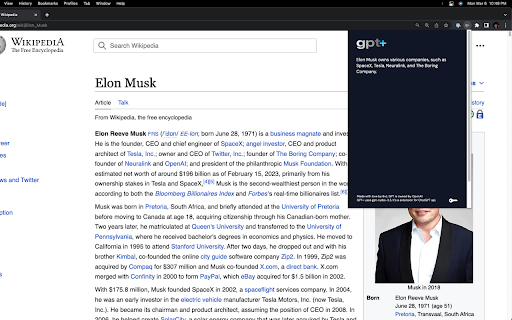
Uses the power of OpenAI gpt-turbo-3.5 to generate queries from you, without hassle and leaving your website.
THIS EXTENSION REQUIRES OPENAI KEY! OPENAI CAN AND PROB. WILL CHARGE YOU FOR USAGE AFTER FREE TRIAL IS USED - BEFORE USING PLEASE CHECK OPENAI'S gpt3,5-turbo PRICING
The GPT+ extension is a powerful tool that allows users to harness the power of ChatGPT directly from their browser. With just a few simple clicks, users can select any text and have the extension automatically process it through OpenAI's powerful algorithms. Additionally, users have the ability to input their own custom extensions to further personalize their experience.
PLEASE NOTE THAT AN OPENAI KEY IS REQUIRED TO USE THIS EXTENSION. Users must obtain their own OpenAI API key and enter it into the extension before being able to utilize its full potential. Furthermore, users should be aware that they are responsible for any charges incurred from using OpenAI's services.
For those interested in learning more about the GPT+ extension and how to use it, there is a helpful video overview available on YouTube. This video provides an in-depth look at the extension's features and functionality, making it an excellent resource for both new and experienced users alike.
If you want to see it in action, check out this video:
https://www.youtube.com/watch?v=qVOMSnMDrqc
If you find the GPT+ extension to be useful, we highly recommend leaving a positive review and sharing it with others. Not only does this help support the developer and encourage future updates, but it also helps spread awareness of this powerful tool to others who may benefit from it.
| 分类 | 📝工作流程与规划 |
| 插件标识 | ccpembeobbmncnfanbfbegfcmljeilcp |
| 平台 | Chrome |
| 评分 |
★★★★☆
4.6
|
| 评分人数 | 105 |
| 插件主页 | https://chromewebstore.google.com/detail/gpt+-gpt-plus/ccpembeobbmncnfanbfbegfcmljeilcp |
| 版本号 | 1.3 |
| 大小 | 78.78KiB |
| 官网下载次数 | 191 |
| 下载地址 | |
| 更新时间 | 2023-03-24 00:00:00 |
CRX扩展文件安装方法
第1步: 打开Chrome浏览器的扩展程序
第2步:
在地址栏输入: chrome://extensions/
第3步: 开启右上角的【开发者模式】
第4步: 重启Chrome浏览器 (重要操作)
第5步: 重新打开扩展程序管理界面
第6步: 将下载的crx文件直接拖入页面完成安装
注意:请确保使用最新版本的Chrome浏览器
同类插件推荐

ChatSearch: ChatGPT搜索小助手(GPT4,Claude2,联网)
ChatSearch是国内可用的、能提升搜索引擎效率的ChatGPT工具,可用GPT4,Claude
GPT+ (GPT Plus)
Uses the power of OpenAI gpt-turbo-3.5 to generate

Copalat - A GPT for freelance
Copalat - A GPT for freelance 使用 GPT 技术生成个性化、有说服力的
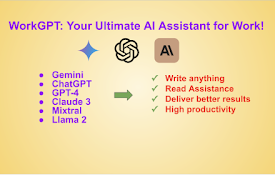
WorkGPT - Your Ultimate AI GPT for Work (with ChatGPT, Gemini, Claude)
WorkGPT is powered by top AI GPT, ChatGPT, GPT-4,