
QuixVPN - Easy, Secure & Free VPN Chrome Extension Chrome 插件, crx 扩展下载

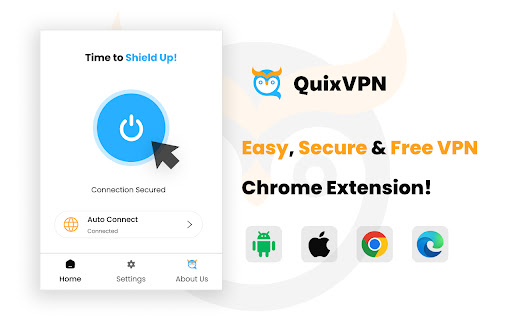
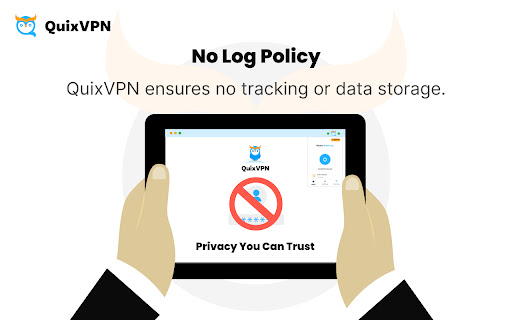
QuixVPN Free Chrome Extension. Fast, Secure, Private, No-Logs, Global Access, Easy-to-Use.
Fast, reliable, and user-friendly for browsing, streaming, and work needs.
Why Choose QuixVPN?
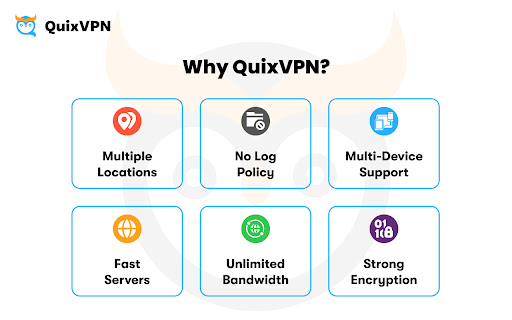
✔ Safe Connections: Secure browsing with HTTPS support.
✔ No-Log Policy: We never track or store your online activities.
✔ Fast Servers: Enjoy seamless browsing and streaming.
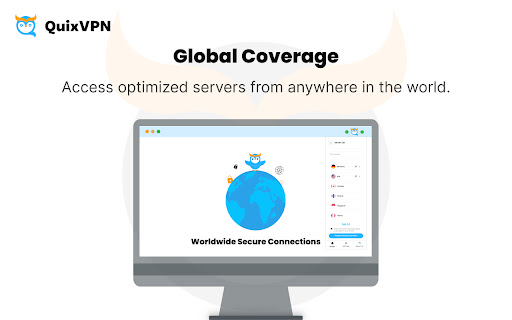
✔ Global Coverage: Secure connections with servers worldwide.
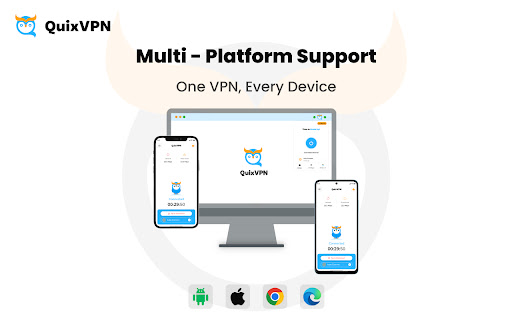
✔ Multi-Platform Support: Use QuixVPN on iOS, Android, and Browsers (Chrome & Edge).
✔ RAM-Only Servers: Keeps your information safe by never saving it.
✔ Simultaneous Connections: Secure multiple devices with one account.
Key Features:
Private and secure VPN access.
High-speed connections for streaming, gaming, and work.
Simple setup, connect in minutes.
No tracking or payment details are required to start.
Unlock premium perks with a subscription:
✔ Access premium locations: Better speed, lower latency, and more global locations.
✔ Seamless multi-platform support : Available on iOS, Android, Chrome, and Edge
✔ Secure up to 08 devices simultaneously: Protect your privacy on multiple devices.
How QuixVPN Works
QuixVPN creates a secure connection between your device and the internet, encrypting your data and providing a safe, private connection. Whether at home, on public Wi-Fi, or traveling, QuixVPN ensures your privacy and security.
Who Can Benefit from QuixVPN?
Privacy Seekers: Browse securely and keep your data private.
Professionals: Protect sensitive information while working remotely.
Streamers and Gamers: Access a fast VPN connection for uninterrupted performance.
| 分类 | 🔒隐私 |
| 插件标识 | cpbhabknjmeijgigakbcmhcojmnomlbp |
| 平台 | Chrome |
| 评分 |
☆☆☆☆☆
|
| 评分人数 | |
| 插件主页 | https://chromewebstore.google.com/detail/quixvpn-easy-secure-free/cpbhabknjmeijgigakbcmhcojmnomlbp |
| 版本号 | 1.0.7 |
| 大小 | 493KiB |
| 官网下载次数 | 2000 |
| 下载地址 | |
| 更新时间 | 2025-02-21 00:00:00 |
CRX扩展文件安装方法
第1步: 打开Chrome浏览器的扩展程序
第2步:
在地址栏输入: chrome://extensions/
第3步: 开启右上角的【开发者模式】
第4步: 重启Chrome浏览器 (重要操作)
第5步: 重新打开扩展程序管理界面
第6步: 将下载的crx文件直接拖入页面完成安装
注意:请确保使用最新版本的Chrome浏览器
同类插件推荐
QuixVPN - Easy, Secure & Free VPN Chrome Extension
QuixVPN Free Chrome Extension. Fast, Secure, Priva
免费 VPN ZenMate - Free VPN Chrome
ZenMate Free VPN 是一款用于 Chrome 的免费 vpn,用于隐藏您的 IP 地址

适用于 Chrome 的免费 VPN - VPN 代理 VeePN
快速、超安全且易于使用的 VPN 服务可保护您的在线隐私。 享受无限流量和带宽!VeePN: unb
Free VPN for Chrome | 1click VPN Proxy
Download VPN with with unlimited traffic & 1-c