
Mysterium VPN for Chrome Chrome 插件, crx 扩展下载
Mysterium VPN: Secure VPN for safer surfing
The largest selection of servers in just a few clicks with the Mysterium VPN Chrome extension!
With our Chrome extension, you can ensure safe and encrypted browsing whenever you want, wherever you may be.
What does the Mysterium VPN extension offer?
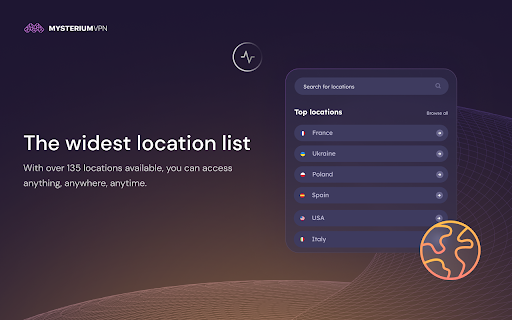
THE WIDEST LOCATION LIST
With over 135 locations available, you can access anything, anywhere, anytime.
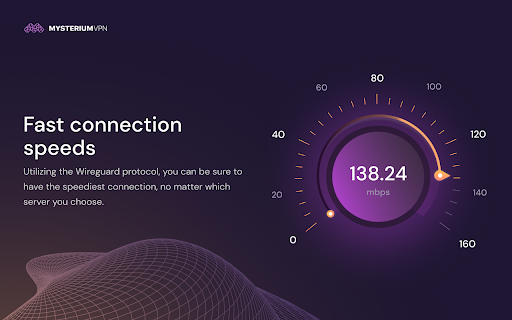
FAST CONNECTION SPEEDS
Utilizing the Wireguard protocol, you can be sure to have the speediest connection, no matter which server you choose.
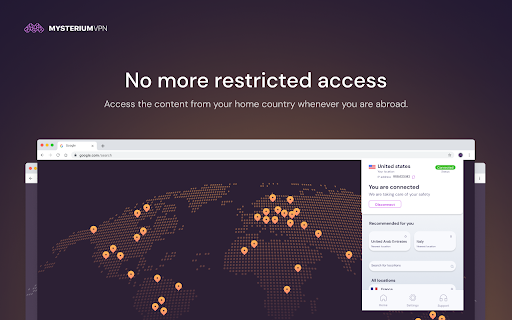
NO MORE RESTRICTED ACCESS
Access the content from your home country whenever you are abroad.
DECENTRALIZED FOR EXTRA SECURITY
Mysterium VPN is a decentralized VPN, and all connections are residential, adding a layer of security that centralized services can not provide.
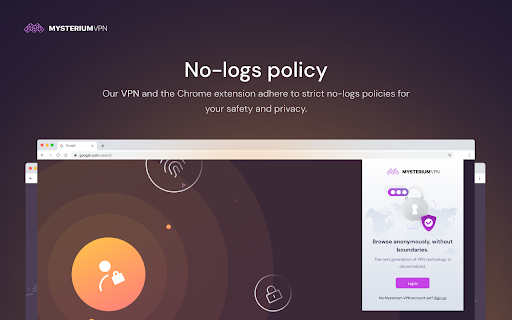
NO-LOGS POLICY
Our VPN and the Chrome extension adhere to strict no-logs policies for your safety and privacy.
ONE ACCOUNT – MULTIPLE DEVICES
With a single Mysterium VPN subscription, you can browse safely on upwards to 6 devices.
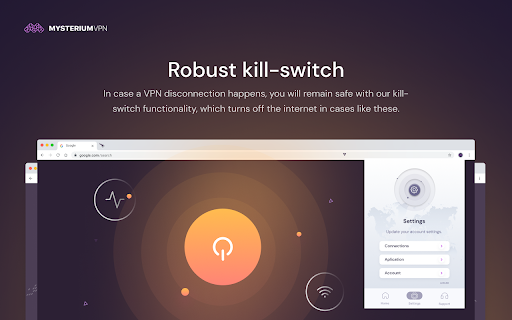
ROBUST KILL-SWITCH
In case a VPN disconnection happens, you will remain safe with our kill-switch functionality, which turns off the internet in cases like these.
QUICK CONNECT
All it takes is installing the extension and getting a subscription – connect in just a few clicks.
ALWAYS-READY CUSTOMER SUPPORT
Our support team is here to help you if any issue happens.
Learn more about Mysterium VPN:
https://www.mysteriumvpn.com/
https://www.mysteriumvpn.com/privacy-policy-vpn
https://www.mysteriumvpn.com/terms-conditions-vpn
https://help.mysteriumvpn.com/en/
| 分类 | 🔒隐私 |
| 插件标识 | dcljfnhbjpilfpmimipcijgaalcabfhd |
| 平台 | Chrome |
| 评分 |
☆☆☆☆☆
|
| 评分人数 | |
| 插件主页 | https://chromewebstore.google.com/detail/mysterium-vpn-for-chrome/dcljfnhbjpilfpmimipcijgaalcabfhd |
| 版本号 | 111.0 |
| 大小 | 9.28MiB |
| 官网下载次数 | 5000 |
| 下载地址 | |
| 更新时间 | 2025-02-17 00:00:00 |
CRX扩展文件安装方法
第1步: 打开Chrome浏览器的扩展程序
第2步:
在地址栏输入: chrome://extensions/
第3步: 开启右上角的【开发者模式】
第4步: 重启Chrome浏览器 (重要操作)
第5步: 重新打开扩展程序管理界面
第6步: 将下载的crx文件直接拖入页面完成安装
注意:请确保使用最新版本的Chrome浏览器
同类插件推荐
Mysterium VPN for Chrome
Mysterium VPN: Secure VPN for safer surfingThe lar

uVPN - 用于在线隐私的免费且安全的 VPN
匿名、安全且不受限制! 使用 VPN 代理服务解锁任何网站并访问无限内容uVPN is the be

适用于 Chrome 的免费 VPN - VPN 代理 VeePN
快速、超安全且易于使用的 VPN 服务可保护您的在线隐私。 享受无限流量和带宽!VeePN: unb

Free VPN for Chrome | 1click VPN Proxy
Download VPN with with unlimited traffic & 1-c