
Student Randomizer Chrome 插件, crx 扩展下载
Randomize students
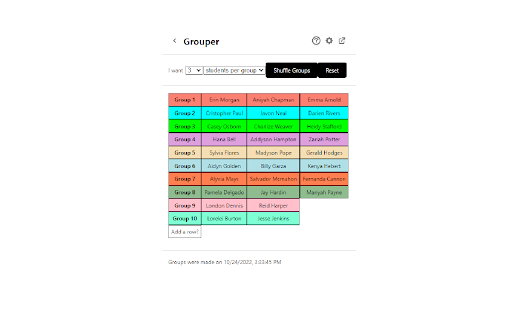
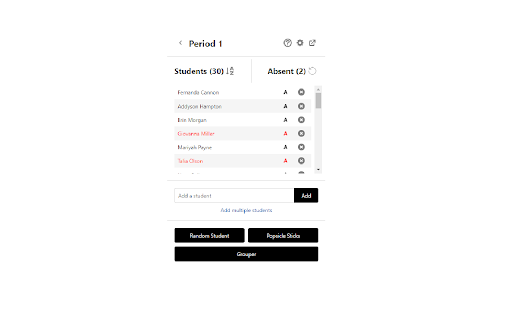
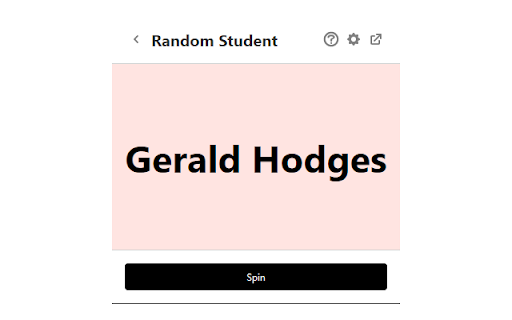
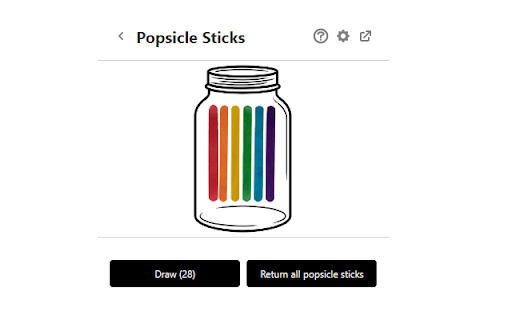
This extension allows you to create class lists and randomly pick students or randomly group students. You can pick students with repetition or without repetition, like drawing popsicle sticks. The grouper randomly assigns students to groups based on the desired number of students per group or the desired number of teams in total. The groups can be renamed and reorganized after being created.
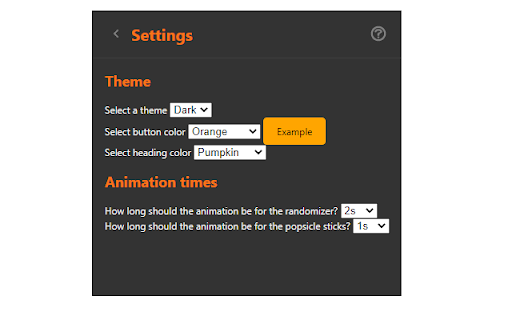
The background theme, heading color, button color, and animation durations are customizable in the settings.
Privacy concerns: All student data is stored locally or synced with your Google Chrome account if sync is enabled. No student data is sent to the developer in any way.
| 分类 | 📝工作流程与规划 |
| 插件标识 | ddfeijcbijmbgbgooabljhegfbomggji |
| 平台 | Chrome |
| 评分 |
☆☆☆☆☆
0
|
| 评分人数 | 5 |
| 插件主页 | https://chromewebstore.google.com/detail/student-randomizer/ddfeijcbijmbgbgooabljhegfbomggji |
| 版本号 | 1.0.3 |
| 大小 | 658KiB |
| 官网下载次数 | 206 |
| 下载地址 | |
| 更新时间 | 2023-10-05 00:00:00 |
CRX扩展文件安装方法
第1步: 打开Chrome浏览器的扩展程序
第2步:
在地址栏输入: chrome://extensions/
第3步: 开启右上角的【开发者模式】
第4步: 重启Chrome浏览器 (重要操作)
第5步: 重新打开扩展程序管理界面
第6步: 将下载的crx文件直接拖入页面完成安装
注意:请确保使用最新版本的Chrome浏览器
同类插件推荐
Student Randomizer
Randomize studentsThis extension allows you to cre

Group Maker
Create, Store and Generate Groups!Made for Teacher

Popsicle Sticks - Random student picker
Randomly select a student in your class from any t

Super Keys
Configure keyboard shortcuts to perform JavaScript

Wintro Companion
Companion Extension of WintroMaximizing talent acq

product-track
track your product price and availabilitytracks gi

Password Converter
Convert your EASY password into DIFFICULT password

SEO Insights
Chrome extension to know about page metrics of pag

Copy to ProPresenter for Resurse Crestine
Copy lyrics ready for ProPresenterFormat text into

SHR
Capture SHRThis browser extension can capture root

Form Autofill Extension
Autofill forms with data from a backend service.Fo

Gympass ScreenSaver
Gympass, the ultimate chrome extension that keeps

FYBR
FYBR: clean inbox clean mindClean inbox. Clean min