
Screen Charm - Professional Browser Recorder Chrome 插件, crx 扩展下载

Create professional browser recordings with zoom in effect.
A Chrome extension for beautiful screen recordings. Perfect for product demos, updates, and tutorials.
Main functions:
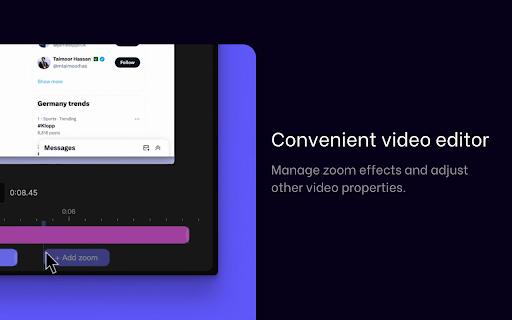
1) Auto scale up/down upon element interaction
We track cursor actions and apply zoom in/out to make the video more interactive
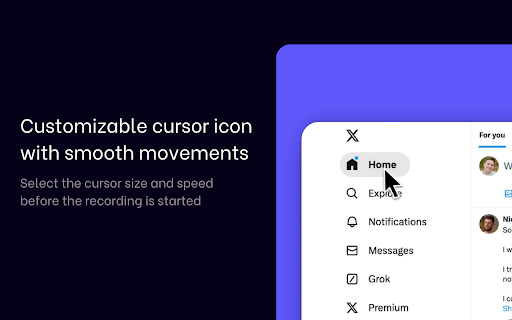
2) Customizable cursor icon with smooth movements
Select the cursor size and speed before the recording is started
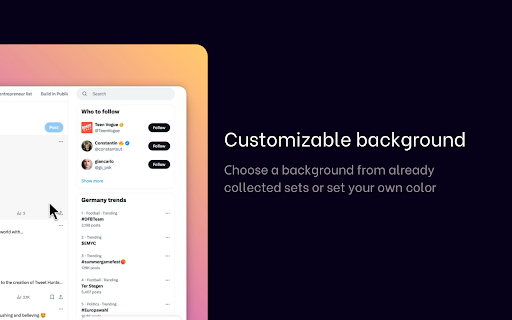
3) Customizable background
Сhoose a background from already collected sets or set your own color
| 分类 | 📝工作流程与规划 |
| 插件标识 | emcmcejicnnneihpmcmbkfccnepeaknd |
| 平台 | Chrome |
| 评分 |
★★★★☆
4.6
|
| 评分人数 | 29 |
| 插件主页 | https://chromewebstore.google.com/detail/screen-charm-professional/emcmcejicnnneihpmcmbkfccnepeaknd |
| 版本号 | 1.97 |
| 大小 | 76.05KiB |
| 官网下载次数 | 70 |
| 下载地址 | |
| 更新时间 | 2025-01-09 00:00:00 |
CRX扩展文件安装方法
第1步: 打开Chrome浏览器的扩展程序
第2步:
在地址栏输入: chrome://extensions/
第3步: 开启右上角的【开发者模式】
第4步: 重启Chrome浏览器 (重要操作)
第5步: 重新打开扩展程序管理界面
第6步: 将下载的crx文件直接拖入页面完成安装
注意:请确保使用最新版本的Chrome浏览器
同类插件推荐

Screen Charm - Professional Browser Recorder
Create professional browser recordings with zoom i

Live Screen Recorder
Effortlessly Record Your Screen with the Live Scre

Snap Screen Recorder
Enhance Your Productivity with This Screen Recordi

Cursorful - Screen Recorder with Auto Zoom
Cursorful creates beautiful screen recordings with