IMG2HTML: Screenshot Capture to code Chrome 插件, crx 扩展下载
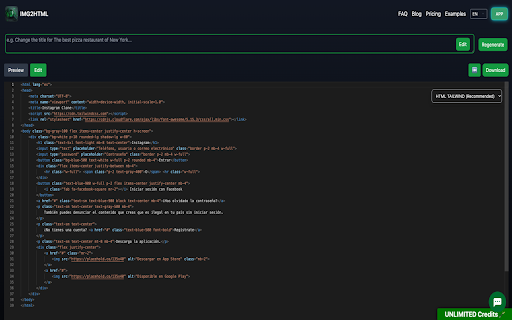

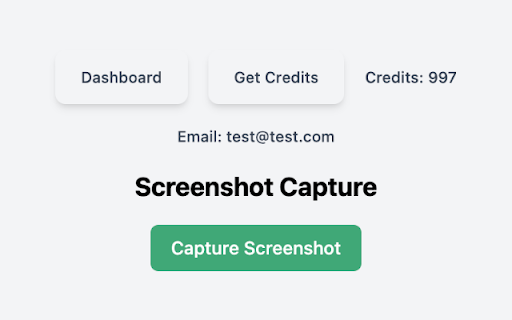
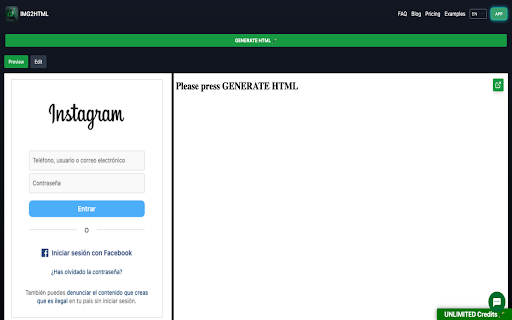
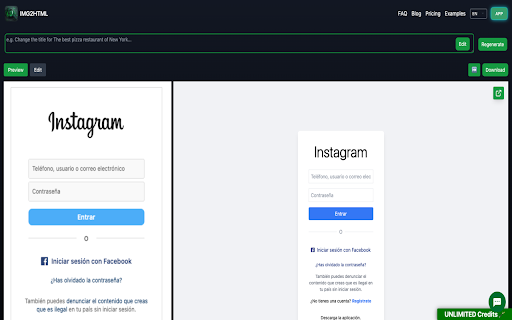
Capture screenshots and get the code of your current webpage.
Use the Image to HTML Chrome Extension for Windows, Mac & Linux to remove image backgrounds in bulk in seconds. Whether you are creating product photos for e-commerce websites, car images for dealerships, portraits - and more - the img2html.com chrome extension is the fastest tool on the market to convert images to html code, providing high-quality results even for some of the trickiest bits, such as hair.
| 分类 | 🛠️工具 |
| 插件标识 | eooajkmdnelnhhhgmagpelendbbbhink |
| 平台 | Chrome |
| 评分 |
★★★★☆
4.6
|
| 评分人数 | 1289 |
| 插件主页 | https://chromewebstore.google.com/detail/img2html-screenshot-captu/eooajkmdnelnhhhgmagpelendbbbhink |
| 版本号 | 1.0.3 |
| 大小 | 1.11MiB |
| 官网下载次数 | 1000 |
| 下载地址 | |
| 更新时间 | 2024-08-05 00:00:00 |
CRX扩展文件安装方法
第1步: 打开Chrome浏览器的扩展程序
第2步:
在地址栏输入: chrome://extensions/
第3步: 开启右上角的【开发者模式】
第4步: 重启Chrome浏览器 (重要操作)
第5步: 重新打开扩展程序管理界面
第6步: 将下载的crx文件直接拖入页面完成安装
注意:请确保使用最新版本的Chrome浏览器