
Autoskip for YouTube 2.0 Chrome 插件, crx 扩展下载
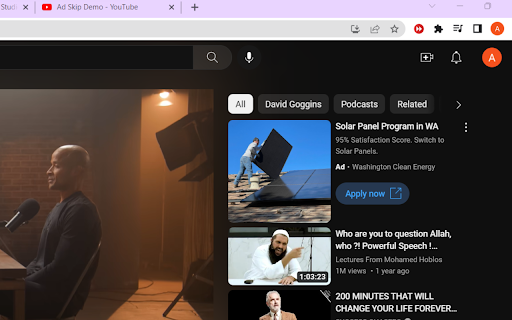

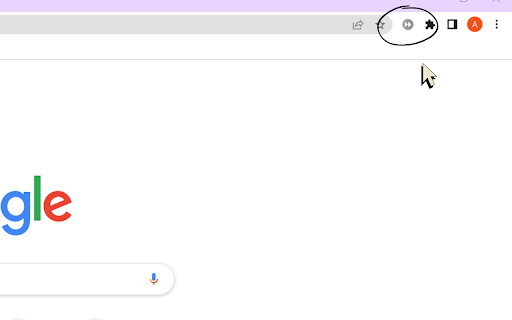
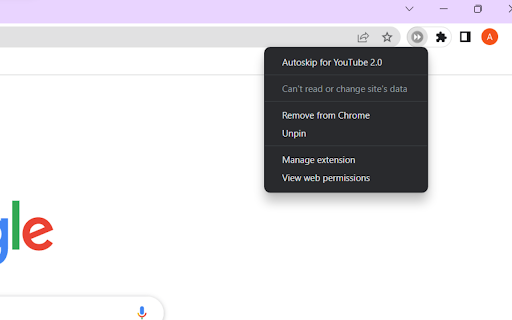
Automatically skips the YouTube ads. ?
⬇️ Easy to set up ⬇️:
1. Install and add the extension to Chrome.
2. That’s all you’ll have to do, it will now automatically click the Ad 'Skip' button while a YouTube video ? is being played.
✨ Features ✨
1. Works on Youtube.
2. Could be combined with general-purpose ad blockers to block the ads altogether.
This extension will auto-skip the ads to improve your YouTube experience.
| 分类 | 📝工作流程与规划 |
| 插件标识 | gcgihkjcccpnahfhhkghlhncdaamjccc |
| 平台 | Chrome |
| 评分 |
★★★★☆
4.7
|
| 评分人数 | 2359 |
| 插件主页 | https://chromewebstore.google.com/detail/autoskip-for-youtube-20/gcgihkjcccpnahfhhkghlhncdaamjccc |
| 版本号 | 1.0 |
| 大小 | 8.18KiB |
| 官网下载次数 | 360 |
| 下载地址 | |
| 更新时间 | 2023-03-25 00:00:00 |
CRX扩展文件安装方法
第1步: 打开Chrome浏览器的扩展程序
第2步:
在地址栏输入: chrome://extensions/
第3步: 开启右上角的【开发者模式】
第4步: 重启Chrome浏览器 (重要操作)
第5步: 重新打开扩展程序管理界面
第6步: 将下载的crx文件直接拖入页面完成安装
注意:请确保使用最新版本的Chrome浏览器
同类插件推荐
Autoskip for YouTube 2.0
Automatically skips the YouTube ads. ?⬇️ Easy to s

Youtube Autoclose Ads
Automatically close ads on youtube videos after an

YouTube AdSkipper
Auto Skip ads so that you don't need to click

Youtube™ 中的视频广告拦截器
让 YouTube 没有广告。 观看 YouTube 视频时自动跳过广告。您可以通过查看名称来了解此