
StudyDash Chrome 插件, crx 扩展下载
Designed to provide students with organizational tools and efficient navigation across pages
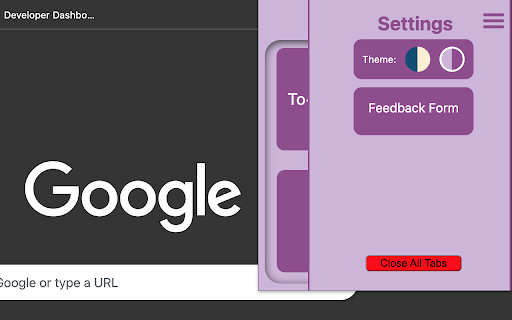
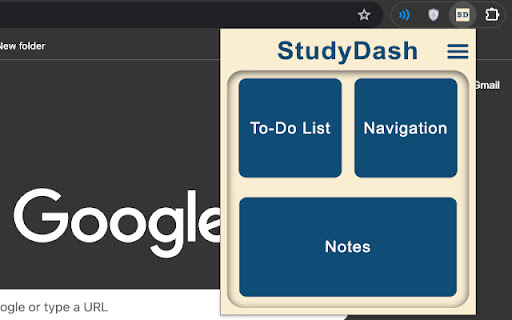
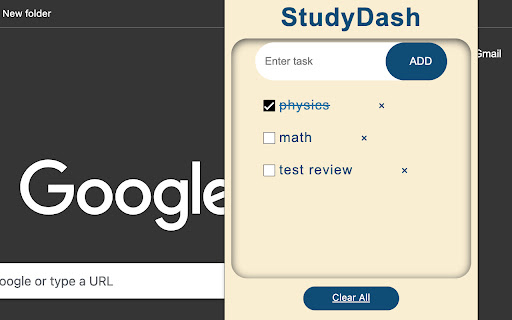
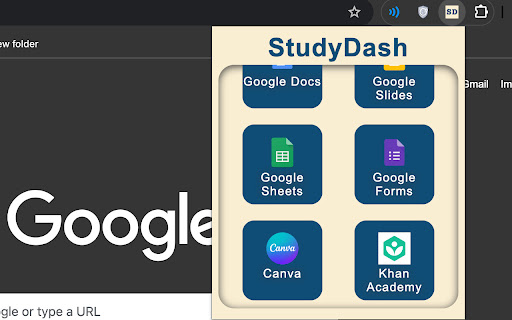
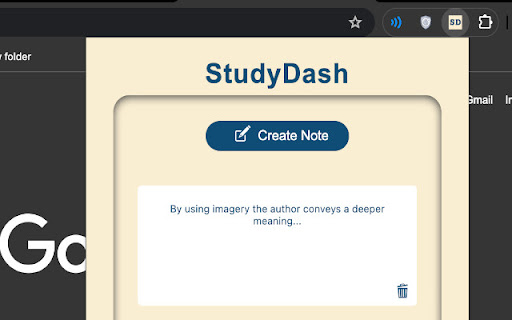
This extension is meant to boost the users efficiency and organization in school, but could also be used for daily tasks. In the extensions home page the user will find 3 buttons and a settings menu. The buttons provide access to the 3 features of StudyDash: To-Do list, Navigation and Notes. The To-Do list serves as a place where users will add their daily tasks and be able to check them out when completed, and remove them when they no longer need it. The navigation tab serves as a menu which can open new tabs with websites which are used in schools such as: Google Drive, Canva, Khan academy, and more! The final feature is the notes. It open a little block where the user can type notes in the extension instead of having to open a separate tab or document while reading or performing a task. Finally in the home page, the user can access the settings menu, where they will encounter two themes for the extension, as well as a button to close all tabs in case they need to use it. In conclusion, this extension will help user organize themselves and finish work faster.
| 分类 | 📚教育 |
| 插件标识 | glopjpifmmjgdooooahaiaiellfekejo |
| 平台 | Chrome |
| 评分 |
★★★★★
5
|
| 评分人数 | 5 |
| 插件主页 | https://chromewebstore.google.com/detail/studydash/glopjpifmmjgdooooahaiaiellfekejo |
| 版本号 | 1.1.7 |
| 大小 | 1.58MiB |
| 官网下载次数 | 46 |
| 下载地址 | |
| 更新时间 | 2024-09-11 00:00:00 |
CRX扩展文件安装方法
第1步: 打开Chrome浏览器的扩展程序
第2步:
在地址栏输入: chrome://extensions/
第3步: 开启右上角的【开发者模式】
第4步: 重启Chrome浏览器 (重要操作)
第5步: 重新打开扩展程序管理界面
第6步: 将下载的crx文件直接拖入页面完成安装
注意:请确保使用最新版本的Chrome浏览器
同类插件推荐

PlusMind + ChatGPT quiz creator for Canvas
Quiz creator transfers quiz output from PlusMind w
StudyDash
Designed to provide students with organizational t

EasyForce
By using the EasyForce you can Export/Query/Delete

Text Toolkit Pro
Advanced text transformation tools, including case

Fantasy Hockey Assistant
See your team's expected performance in your n

Rover Curiosity Cams
The latest images sent by the rover Curiosity dire

New Relic ZIP Tools
New Relic Tools - by: Gabriel Moreira/PINGUIN.ZIPI

SEO Insights
Chrome extension to know about page metrics of pag

FEA Color Picker
A simple color picker , you can use it to pick col

Winglang Syntax Hightlight
Highlight Winglang code on Github.comSyntax highli

quester | the best way to share your opinion
Create aesthetically pleasing, social, and incredi

Group Member Data
Quit Losing Your Group Member DataGroup Member Dat

FYBR
FYBR: clean inbox clean mindClean inbox. Clean min