
Coursera Tool Chrome 插件, crx 扩展下载
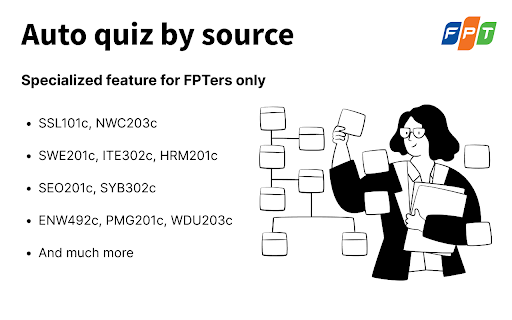
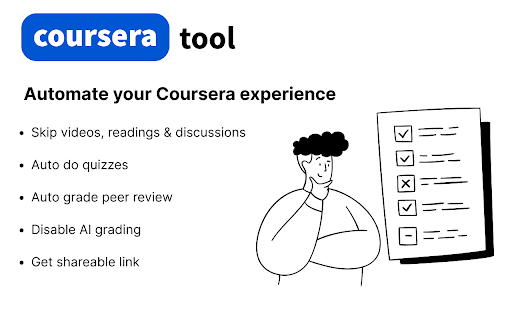
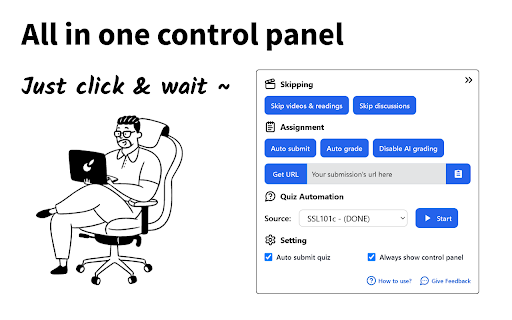
Extension helps bypass videos & readings, auto do quizzes, auto submit assignments, auto grade reviews, get shareable links, etc.
Features:
? Auto done all videos and readings part
? Auto do quizzes (Work in progress)
?? Auto submit peer graded assignment (Maybe not work)
? One-click for getting link of your submission.
✅ Auto-grade highest score for other's submissions on Coursera.
? Switch your submission from AI grading to peer grading
⚠ Don't overtrust the Auto quiz feature, it may give incorrect answers.
| 分类 | 🛠️工具 |
| 插件标识 | hdadbgohdjnhileochcldikbphbonalg |
| 平台 | Chrome |
| 评分 |
★★★★★
5
|
| 评分人数 | 4 |
| 插件主页 | https://chromewebstore.google.com/detail/coursera-tool/hdadbgohdjnhileochcldikbphbonalg |
| 版本号 | 1.0.1.7 |
| 大小 | 80.04KiB |
| 官网下载次数 | 2000 |
| 下载地址 | |
| 更新时间 | 2025-02-09 00:00:00 |
CRX扩展文件安装方法
第1步: 打开Chrome浏览器的扩展程序
第2步:
在地址栏输入: chrome://extensions/
第3步: 开启右上角的【开发者模式】
第4步: 重启Chrome浏览器 (重要操作)
第5步: 重新打开扩展程序管理界面
第6步: 将下载的crx文件直接拖入页面完成安装
注意:请确保使用最新版本的Chrome浏览器
同类插件推荐

FPTU Move Out Class Tool
Tiện ích hỗ trợ sinh viên FPTU xem lịch, chuyển lớ

FAP Beautifier
FPT University Academic Portal BeautifierFAP Beaut

Auto Answer Edunext
Tiện ích mở rộng tự động điền câu trả lời trên tra
FPT GPA
GPA Of FPT University.An extension for FPT Univers

Coursera Tool
Extension helps bypass videos & readings, auto
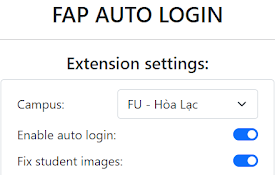
FAP Auto Login
FAP Auto LoginThis extension helps FPT students sk

AutoNext
This automatic grading tool on edunext __Hovilo__T
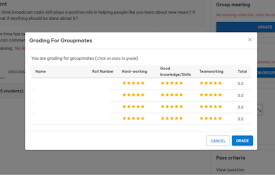
Auto EduNext
Automatically grade on EdunextStep 1: Install exte

SP_Course_Review
Hỗ trợ bạn làm Quiz nhanh hơn bao giờ hết. Tổ

Coursera Get Shareable Link
This extension swiftly provides submission links,

Coursera Auto Grade
Review your peers on coursera with easeThis extens
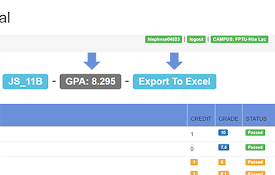
GPA FPT University
An extension for FPTUers by HiepHVJust install, go