
LeetCode Sync - Sync your Leetcode solutions to Github Chrome 插件, crx 扩展下载
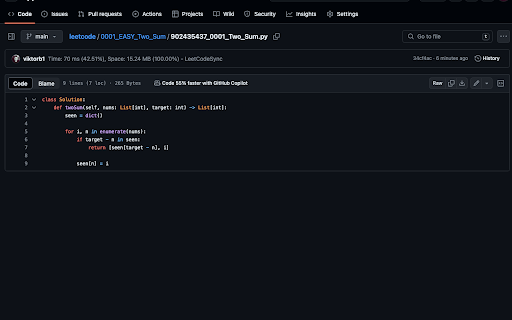
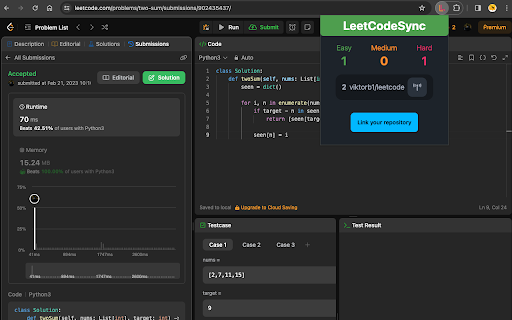
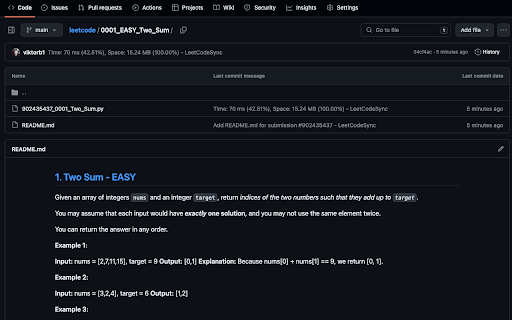
Automatically sync your Leetcode solutions to a Github repository when you press submit
Works on the new Leetcode UI!
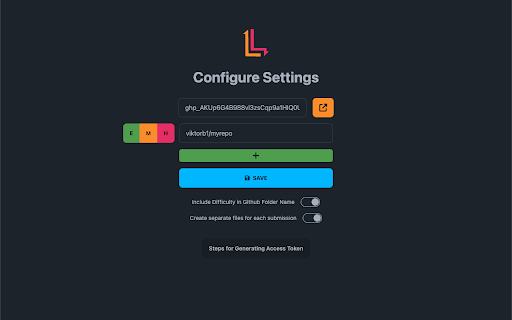
LeetCodeSync is a lightweight chrome extension that lets you automatically sync your LeetCode solutions to a Github repo. It is easy to use, and it works on the modern updated LeetCode UI. Unlike other Leetcode syncing chrome extensions, LeetCodeSync uses a user-generated access token to access your Github account which should be more secure for your account. The source code for this chrome extension is available on my Github repository.
Features:
- Ability to sync to multiple repositories in the same account
- Ability to sync only Easy/Medium/Hard questions
- Ability to customize whether difficulty appears in the Github folder name
- Ability to create separate files in Github for each Leetcode submission
| 分类 | 💻开发者工具 |
| 插件标识 | ihgdeicfjmaadmboojnmdffkdfnjanlb |
| 平台 | Chrome |
| 评分 |
★★★★☆
4.6
|
| 评分人数 | 22 |
| 插件主页 | https://chromewebstore.google.com/detail/leetcode-sync-sync-your-l/ihgdeicfjmaadmboojnmdffkdfnjanlb |
| 版本号 | 1.0.4 |
| 大小 | 112KiB |
| 官网下载次数 | 21 |
| 下载地址 | |
| 更新时间 | 2024-03-29 00:00:00 |
CRX扩展文件安装方法
第1步: 打开Chrome浏览器的扩展程序
第2步:
在地址栏输入: chrome://extensions/
第3步: 开启右上角的【开发者模式】
第4步: 重启Chrome浏览器 (重要操作)
第5步: 重新打开扩展程序管理界面
第6步: 将下载的crx文件直接拖入页面完成安装
注意:请确保使用最新版本的Chrome浏览器
同类插件推荐
LeetCode Sync - Sync your Leetcode solutions to Github
Automatically sync your Leetcode solutions to a Gi

CodeSandbox
Execute GitHub project in one ClickInstance execut

GfG to GitHub
Automatically pushes your GeeksForGeeks solution t

GitHub Code Folding
Enable code folding when viewing files in GitHub.C