
Convert Highlighted Text to Speech Chrome 插件, crx 扩展下载
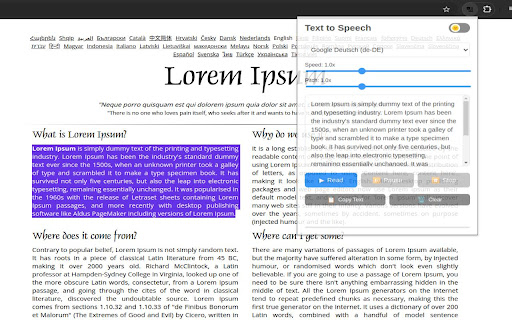
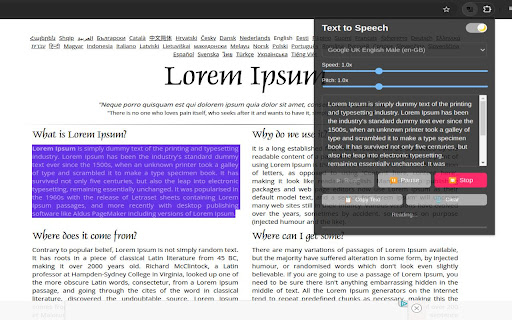
The 'Convert Highlighted Text to Speech' feature enables users to listen to the content they select on a webpage.
The "Convert Highlighted Text to Speech" extension allows users to listen to selected text on a webpage, offering an alternative way to consume content. It enhances accessibility by catering to individuals with visual impairments or those who prefer auditory learning. Users can customize the listening experience by adjusting the pitch, speed, and accent of the speech. Additionally, the feature supports both dark and light modes, ensuring a seamless experience in various lighting conditions
| 分类 | ♿无障碍访问 |
| 插件标识 | iiemjbgcdlnjmhoimaffeihngnilpafo |
| 平台 | Chrome |
| 评分 |
★★★★☆
4.2
|
| 评分人数 | 3249 |
| 插件主页 | https://chromewebstore.google.com/detail/convert-highlighted-text/iiemjbgcdlnjmhoimaffeihngnilpafo |
| 版本号 | 1.2.0 |
| 大小 | 64.82KiB |
| 官网下载次数 | 23 |
| 下载地址 | |
| 更新时间 | 2024-12-31 00:00:00 |
CRX扩展文件安装方法
第1步: 打开Chrome浏览器的扩展程序
第2步:
在地址栏输入: chrome://extensions/
第3步: 开启右上角的【开发者模式】
第4步: 重启Chrome浏览器 (重要操作)
第5步: 重新打开扩展程序管理界面
第6步: 将下载的crx文件直接拖入页面完成安装
注意:请确保使用最新版本的Chrome浏览器
同类插件推荐
Convert Highlighted Text to Speech
The 'Convert Highlighted Text to Speech' f

Human Reader, powered by ElevenLabs
Listen to any text in the web in a human voice. A

将音频转录为文本
使用Whisper AI将音频转录为文本。音频转文本转换器确保快速准确的转录。? 轻松将音频转换为文
Selected text to speech
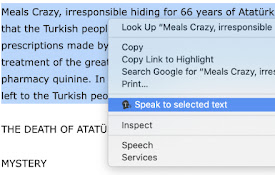
With this extension, you can speech to the selecte