
MeetGeek: AI meeting summaries and transcription Chrome 插件, crx 扩展下载

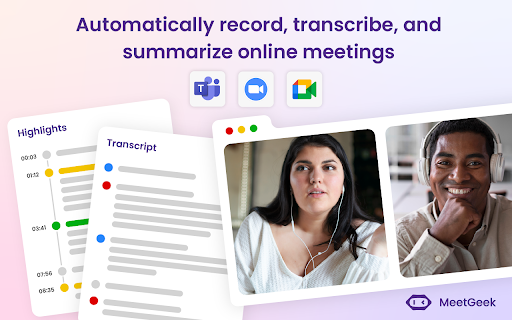
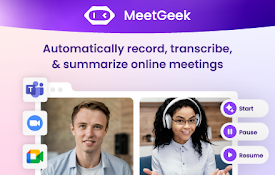
Unlock AI-powered meeting efficiency with transcriptions, summaries, and notes for Zoom, Google Meet, and Teams.
MeetGeek transforms online calls with AI meeting automation ?
Say goodbye to manual note-taking and hello to seamless integration across Zoom, Google Meet, and Microsoft Teams!
Using the MeetGeek Chrome extension is FREE. Here’s how to enable it:
- Install the extension and pin it to your browser bar
- Log in or sign up for a free MeetGeek account
- Start a meeting on your preferred platform—MeetGeek joins automatically!
With the MeetGeek extension, you’ll be able to:
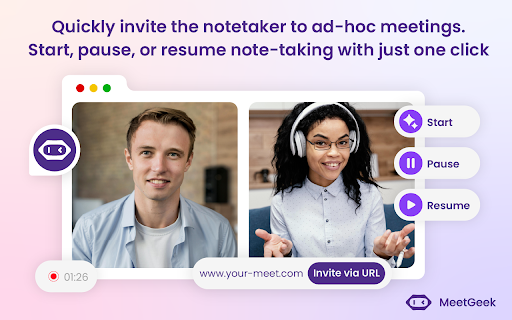
⏸️ Pause or resume note-taking anytime through the floating widget
? Customize meeting templates and preferred transcription language
? Instantly invite the AI notetaker to your Zoom, Google Meet, and Microsoft Teams calls
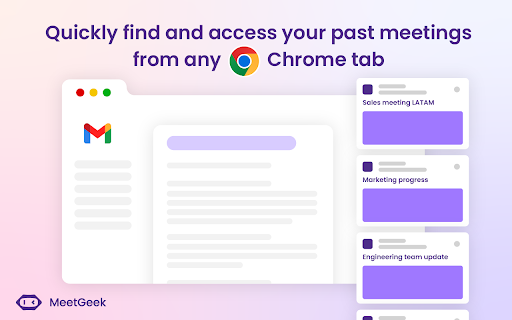
? Access your latest meeting summaries & transcripts directly
? How MeetGeek already boosts meeting productivity for 20k+ teams:
- Instant AI note-taking: Save time with automated notes and searchable transcripts
- Automated AI meeting summaries: AI extracts key points, decisions, and action items
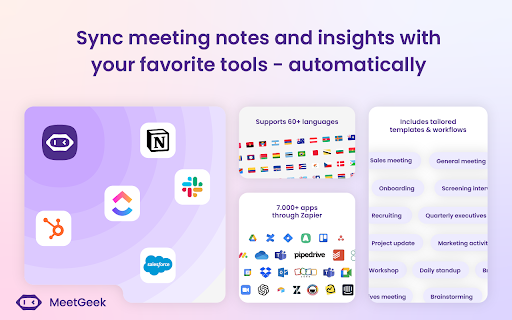
- Multi-language transcription: Transcribe in 60+ languages including English, French, Spanish, Portuguese, German, Arabic, Chinese and more
- Meeting insights & analytics: Track speaker talk time, engagement, meeting trends, and more
- Custom automation: Sync meeting insights directly into tools like HubSpot, Salesforce, Notion, ClickUp, and set up tailored workflows (7,000+ apps through Zapier)
- Easy sharing & collaboration: Share meeting summaries and action items with your team
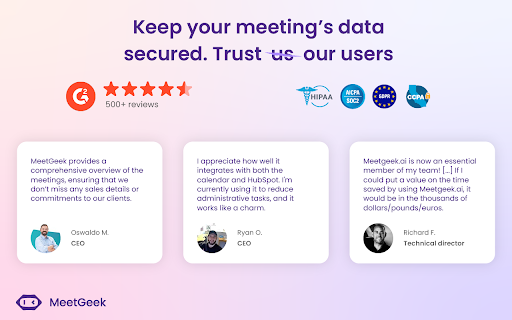
? MeetGeek secures powerful data encryption, GDPR compliance, and SOC2 Type 2 certification. Read more about it at https://meetgeek.ai/security
Turn every meeting into a productivity powerhouse ⚡
Get started with MeetGeek today—a FREE plan is available!
Need help?
Visit meetgeek.ai for more info or explore our Help Center at https://support.meetgeek.ai/en/articles/9148521-meetgeek-chrome-extension
Follow us for updates:
- LinkedIn & YouTube: MeetGeek
- Instagram & TikTok: @meetgeek.ai
- Twitter: @MeetgeekA
| 分类 | 📝工作流程与规划 |
| 插件标识 | jgcndlaikgkhpbcekabcmnfeiaelgaon |
| 平台 | Chrome |
| 评分 |
★★★★☆
4.6
|
| 评分人数 | 9 |
| 插件主页 | https://chromewebstore.google.com/detail/meetgeek-ai-meeting-summa/jgcndlaikgkhpbcekabcmnfeiaelgaon |
| 版本号 | 1.1.7 |
| 大小 | 434KiB |
| 官网下载次数 | 10000 |
| 下载地址 | |
| 更新时间 | 2025-02-19 00:00:00 |
CRX扩展文件安装方法
第1步: 打开Chrome浏览器的扩展程序
第2步:
在地址栏输入: chrome://extensions/
第3步: 开启右上角的【开发者模式】
第4步: 重启Chrome浏览器 (重要操作)
第5步: 重新打开扩展程序管理界面
第6步: 将下载的crx文件直接拖入页面完成安装
注意:请确保使用最新版本的Chrome浏览器
同类插件推荐
MeetGeek: AI meeting summaries and transcription
Unlock AI-powered meeting efficiency with transcri

Google Meet Transcripts & AI Summary
Google Meet Transcription, AI Summary and Insight.

Fellow: AI Meeting Notes, Agendas, and Action items
Get AI Meeting Notes, Transcripts, AI Action Items
meetXcc: Google Meet 的 AI 会议记录
通过自动录音、总结和直观的 AI 生成思维导图实现会议自动记录。用AI助手为您的会议赋能 - 轻松转