
VTTA.io D&D Beyond Integration Chrome 插件, crx 扩展下载
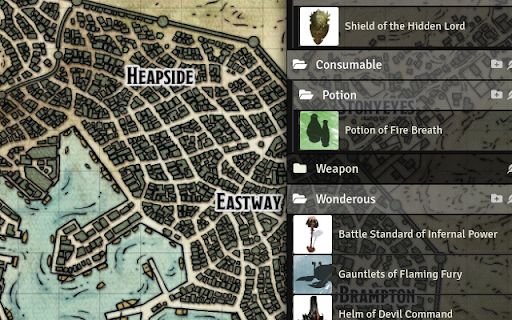
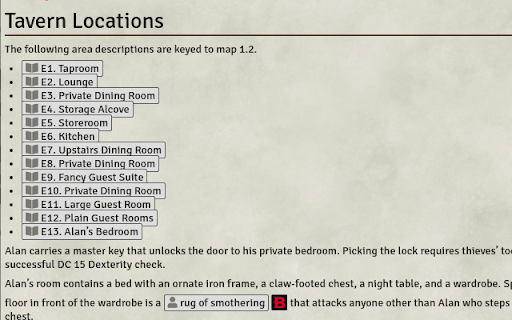

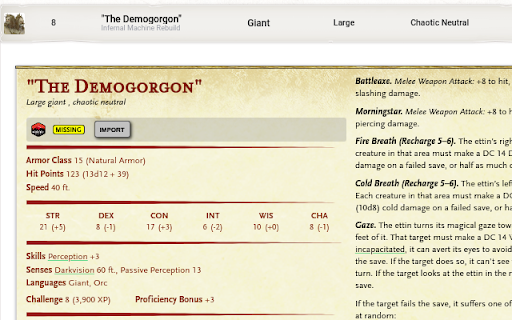
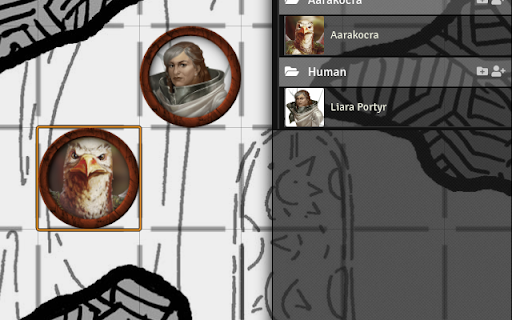
Integrate your licensed content from D&D Beyond into your running Foundry VTT Dungeons & Dragons session.
Are you an avid user of both D&D Beyond and Foundry VTT? Do you want to seamlessly integrate both tools into your regular DMing workflows? VTTA.io: D&D Beyond Integration helps you to achieve that goal.
By building a bridge between your licensed content and your gaming or preparation session using Foundry VTT, you can easily
- use the encounter builder to prepare challenging encounters - and import the planned monsters straight into your game
- buy source books and adventure books on D&D Beyond and import them into your Foundry VTT game, including backlinks to your D&D Beyond content. Everything is just few clicks away, enabling to refresh your memory on status effects and rules while running your game.
- imported tables makes rolling the effect of Wild Magic or distribution treasure easier than ever
The tools are aimed to provide an easy to use, yet powerful interface to create a great experience. Spend more time imagining and less time preparing! Be confident to be spontaneous in your adventure sessions because everything is just a few clicks away. Enjoy your games and the friendships that evolve during play.
Privacy Policy and Data Protection
We are storing only the information we think are necessary to provide a service for you, and we adhere to the principle of "Data Poverty". You will need to create a VTTA.io account in order to use this toolset, and the our privacy policy found at https://www.vtta.io/privacy-policy details what kind of data is stored about you, and why. Unless you create an account on the website, no data is stored or processed about you at all.
| 分类 | 🎉趣味休闲 |
| 插件标识 | jkcgfhmpepgnjkjhgkfbengiopmbbhjj |
| 平台 | Chrome |
| 评分 |
☆☆☆☆☆
0
|
| 评分人数 | 1 |
| 插件主页 | https://chromewebstore.google.com/detail/vttaio-dd-beyond-integrat/jkcgfhmpepgnjkjhgkfbengiopmbbhjj |
| 版本号 | 3.0.10 |
| 大小 | 2.83MiB |
| 官网下载次数 | 5000 |
| 下载地址 | |
| 更新时间 | 2021-08-15 00:00:00 |
CRX扩展文件安装方法
第1步: 打开Chrome浏览器的扩展程序
第2步:
在地址栏输入: chrome://extensions/
第3步: 开启右上角的【开发者模式】
第4步: 重启Chrome浏览器 (重要操作)
第5步: 重新打开扩展程序管理界面
第6步: 将下载的crx文件直接拖入页面完成安装
注意:请确保使用最新版本的Chrome浏览器
同类插件推荐

R20Exporter
Export a Roll20 Campaign with all its assets to a
beyond digital d20
Sync dndbeyond with dd20 vttThis extension allows

VTTA.io D&D Beyond Integration
Integrate your licensed content from D&D Beyon

Oracle 5E
A quick reference tool for Dungeons & Dragons

Beyond Me
Tools for D&D BeyondOrganizes your D&D Bey

Monster Cards
Create monster cards, magic item cards and paper m

Beyond The Forge
Integrate D&D Beyond with The Forge's Baza

D&D Beyond DM-Screen
Customizable DM Screen for D&D Beyond Campaign

AboveVTT
Integrated VTT for D&DBeyondIntegrated VTT for

D&D Beyond Campaign DM Screen
DM Screen Extension for D&D Beyond. This exten

Beyond Enhancement Suite
A suite of modules that make your D&D Beyond b
Beyond 20
Integrates the D&D Beyond Character Sheets wit