
Quickeys - Home Automation Remote Controller Chrome 插件, crx 扩展下载
[Open source] A quick keyboard remote controller for HomeAssistant, Node-RED and Yamaha receivers
v1.2: Changed HomeAssistant authentication to the new long-lived token methodology.
v1.3: Added support for Shift/Ctrl/Alt modifier keys (so you can now have Shift-A launching a script and Ctrl-Shift-Up turning on the volume)
v1.4: Removed redundant permissions, created privacy policy (we do not collect, store or share any information)
v1.41: Fix permissions
v1.50: Migrate to manifest v3
Open source.
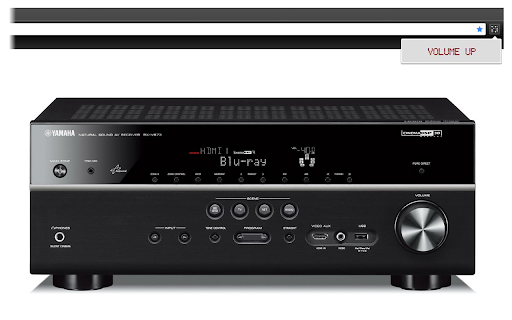
Use your keyboard to easily and quickly control the Node-Red and HomeAssistant home automation platforms and network-enabled Yamaha receivers.
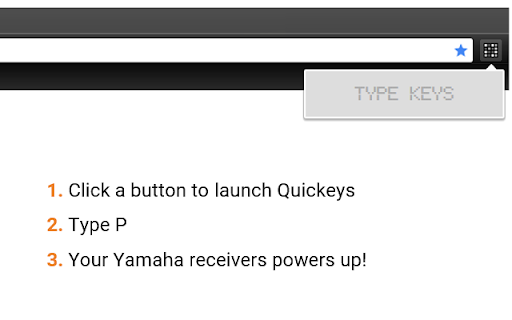
With Quickeys you can define key combinations to power up your receiver, change the volume or launch your personal HomeAssistant scripts. Create HTTP requests to access custom-made Node-Red events, and have them accessible through an integral Chrome popup!
Permissions: the extensions asks for access to all websites because I cannot know in advance what is the address of your Yamaha receiver or Homeassistant installation. The extension NEVER connects to the external internet.
-- Questions? Ideas? Bugs? Please LMK!
| 分类 | 📝工作流程与规划 |
| 插件标识 | jkgegggbdflhahedhddbjgmmekfefbpi |
| 平台 | Chrome |
| 评分 |
★★★★☆
4.8
|
| 评分人数 | 11 |
| 插件主页 | https://chromewebstore.google.com/detail/quickeys-home-automation/jkgegggbdflhahedhddbjgmmekfefbpi |
| 版本号 | 1.50 |
| 大小 | 800KiB |
| 官网下载次数 | 308 |
| 下载地址 | |
| 更新时间 | 2024-07-08 00:00:00 |
CRX扩展文件安装方法
第1步: 打开Chrome浏览器的扩展程序
第2步:
在地址栏输入: chrome://extensions/
第3步: 开启右上角的【开发者模式】
第4步: 重启Chrome浏览器 (重要操作)
第5步: 重新打开扩展程序管理界面
第6步: 将下载的crx文件直接拖入页面完成安装
注意:请确保使用最新版本的Chrome浏览器
同类插件推荐

Huegasm Lite
Manage your Philips Hue lights.The lite version of
Quickeys - Home Automation Remote Controller
[Open source] A quick keyboard remote controller f

Google Meet <=> Home Assistant
Updates a Home Assistant entity state with the sta

MaterialDesignIcons Picker
Quick & easy icon picker"Material Design
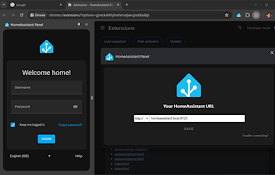
HomeAssistant Panel
The chrome side panel for HomeAssistantPersistent

ChromeHue for Philips Hue
Full-featured Philips Hue remote for ChromeChromeH
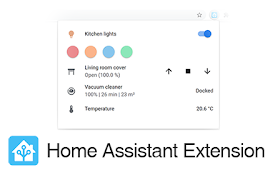
Home Assistant
A quick shortcut to your Home AssistantUnofficial
Arduino IOT Controller
Controller for Nodemcu,Esp8266,Aduino and Raspberr

Bandcamp Volume Control
Adds volume control to bandcamp.comSimple volume c
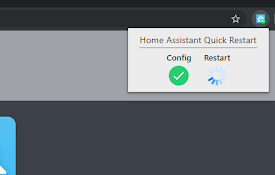
Home Assistant Quick Restart
Checks the config and restarts Home Assistant foun

Hue Tab
A customizable HSL color picker on every new tab p
Smart LG TV remote control
Remote control for LG smart TV set. Extension all

AgileMana JIRA assistant
Integrates with both JIRA cloud and JIRA server, a