
Searcher for Discogs Chrome 插件, crx 扩展下载
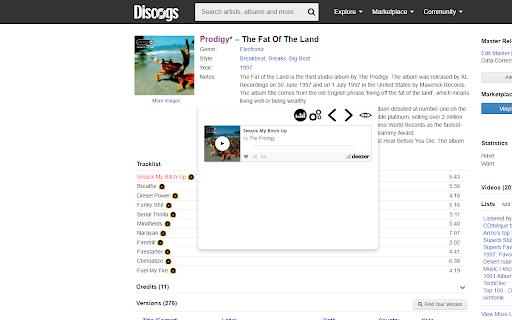
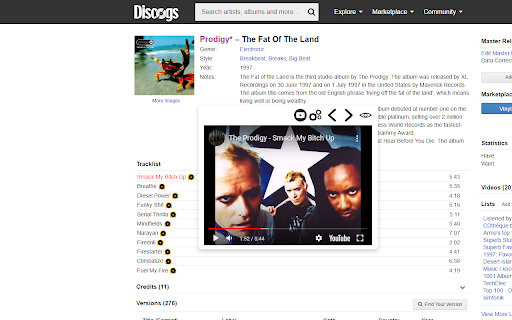
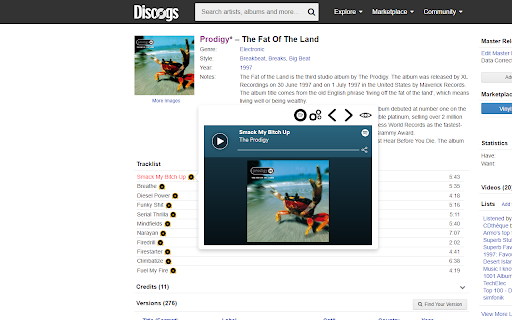
Allows to listen to tracks on Discogs by clicking on it.
How to use it:
1. Go to supported site.
2. Find any release you want.
3. Click on the icon next to any track name in a release page.
4. Enjoy.
Supported sites:
- www.discogs.com
- rateyourmusic.com
Change Log:
8.1.0
- Update to manifest v3
8.0.0
- Fixed
7.0.0
- It is free now
6.0.6
- Removed YouTube playlist search result option
6.0.1
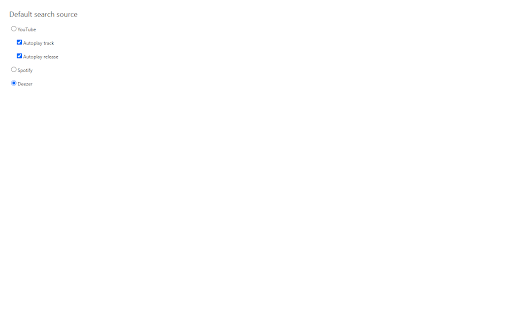
- Added new source Deezer
- Removed ability to add videos to YouTube playlists. You can add them to 'Watch later' playlist.
5.0.0
Added support for rateyourmusic.com
4.0.20
Ability to choose the default source on the settings page(YouTube, Spotify, etc.)
4.0.19
It asks the permission to access your license information
4.0.12
Ability to add videos to your YouTube playlists.
YouTube Terms of Service
https://www.youtube.com/static?gl=GB&template=terms
Google Privacy Policy
https://policies.google.com/privacy
| 分类 | 🎉趣味休闲 |
| 插件标识 | kfaklaicipagejpdmnefheakeoikempa |
| 平台 | Chrome |
| 评分 |
★★★★★
5
|
| 评分人数 | 1 |
| 插件主页 | https://chromewebstore.google.com/detail/searcher-for-discogs/kfaklaicipagejpdmnefheakeoikempa |
| 版本号 | 8.1.8 |
| 大小 | 728KiB |
| 官网下载次数 | 1000 |
| 下载地址 | |
| 更新时间 | 2024-11-06 00:00:00 |
CRX扩展文件安装方法
第1步: 打开Chrome浏览器的扩展程序
第2步:
在地址栏输入: chrome://extensions/
第3步: 开启右上角的【开发者模式】
第4步: 重启Chrome浏览器 (重要操作)
第5步: 重新打开扩展程序管理界面
第6步: 将下载的crx文件直接拖入页面完成安装
注意:请确保使用最新版本的Chrome浏览器
同类插件推荐

search popsike.com
for any eBay vinyl record, check prices on popsike

Search Discogs for selected text
Extension enables you to search on Discogs by text

Discogs Tempo Adjust
A browser extension to adjust track tempo on Disco
Searcher for Discogs
Allows to listen to tracks on Discogs by clicking

Bandcamp Fixed Player
This extension fixes the header in place along wit
Discogs Enhancer
Enhance your Discogs experience with dark themes,
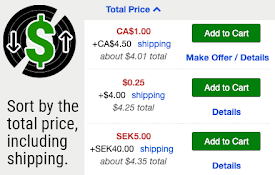
Discogs Total Price Sorter
Upgrade the Price column on the Discogs Marketplac

better feed for bandcamp
description.Replace the default bandcamp player wi

Bandcamp Enhancement Suite
Provides extra functionality for BandcampThe purpo

Bandcamp Tempo Adjust
A browser extension to detect and adjust track tem
Discogs Sort Plus
Adds missing Discogs sort features: community rati

Discogify
Preview discogs tracks easier.Discogify is a small

Discogs Diggr
shows videos next to the releases on a store's