
Highlight Convert Chrome 插件, crx 扩展下载
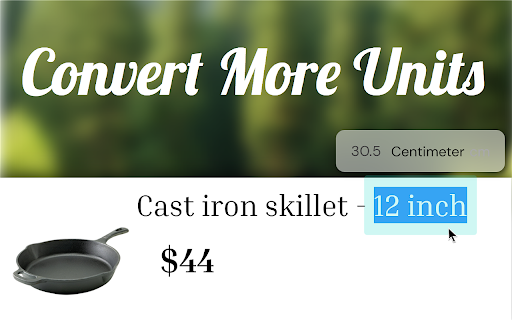
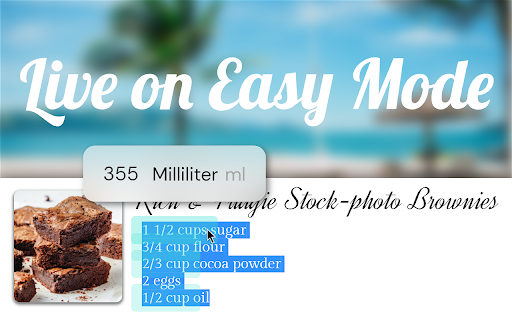
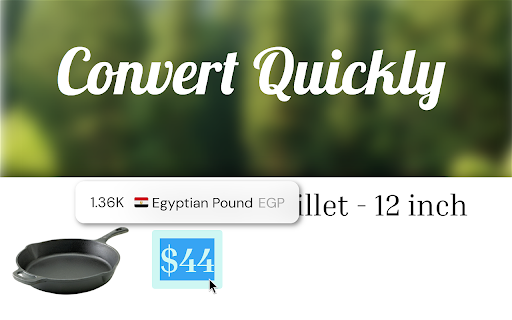
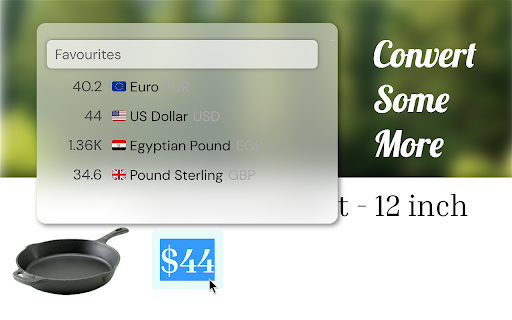
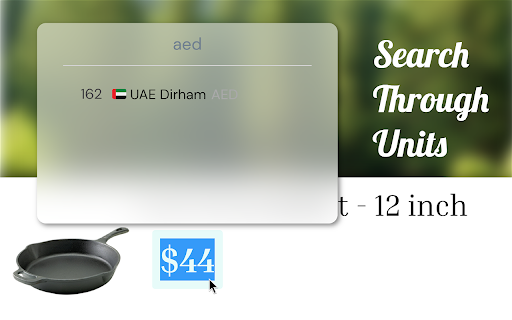
Convert units and currencies just by highlighting them.
Convert units just by highlighting and hovering them.
You can convert:
- Currency
- Weight
- Length
- Volume
- Temperature
Tips and tricks:
- Hide a conversion and hover area by middle clicking it.
- Click on and expand a conversion to see more units.
- Start typing after expanding to search through units.
- Highlight and convert more than one unit in one shot. Just hover over the one you want to see.
| 分类 | 📝工作流程与规划 |
| 插件标识 | kgcfjfnekjpaobgkebahfbmgbbckfaco |
| 平台 | Chrome |
| 评分 |
★★★★☆
4.3
|
| 评分人数 | 6 |
| 插件主页 | https://chromewebstore.google.com/detail/highlight-convert/kgcfjfnekjpaobgkebahfbmgbbckfaco |
| 版本号 | 0.0.1 |
| 大小 | 41.69MiB |
| 官网下载次数 | 208 |
| 下载地址 | |
| 更新时间 | 2024-04-16 00:00:00 |
CRX扩展文件安装方法
第1步: 打开Chrome浏览器的扩展程序
第2步:
在地址栏输入: chrome://extensions/
第3步: 开启右上角的【开发者模式】
第4步: 重启Chrome浏览器 (重要操作)
第5步: 重新打开扩展程序管理界面
第6步: 将下载的crx文件直接拖入页面完成安装
注意:请确保使用最新版本的Chrome浏览器
同类插件推荐
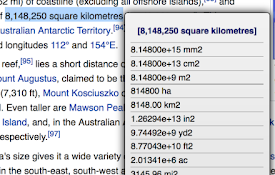
Unit Convert Selection
Do unit conversion conveniently at the current sel
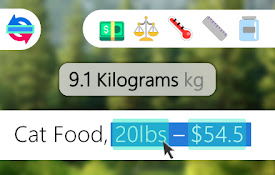
Highlight Convert
Convert units and currencies just by highlighting

Сlick counter online
通过我们的Click Counter Online扩展最大化您的计数效率 ?…通过我们的Click

颜色名称
使用Color Names轻松发现颜色。设计师寻找完美色调的理想选择。立即访问代码。具有有效的颜色名

Metric Unit Converter
Metric Unit Converter provides an easy-to-use metr

Unit Converter
Easily convert unitsUnlock the power of effortless
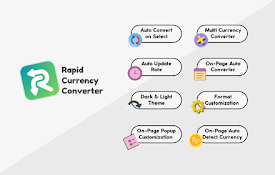
Rapid Currency Converter
The fastest and most efficient currency converter.

Google Chrome™的放大镜
自由!放大镜在网页上显示缩放的图像,使所选区域详细可见。此放大镜扩展名显示了放大镜半径内的放大区域,

ZEIT.IO
ZEIT.IO - Time tracking for experts.This is the Ch

Simple QR Code Generator
Generates a QR code based off on what website are

Agency Toolchest
The Agency Toolchest Chrome Extension is used to s

Suspend tabs
Free up your device's memory and speed up your

Verse Medical Orders
Conveniently submit orders to versemedical.com by