
1Password Beta - 密码管理器 Chrome 插件, crx 扩展下载

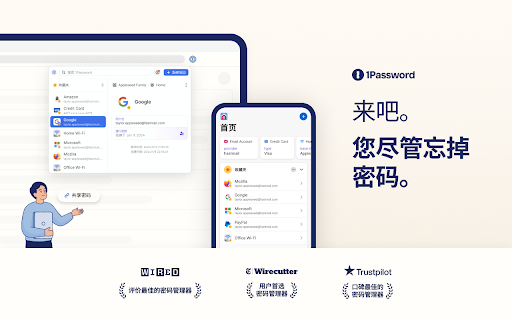
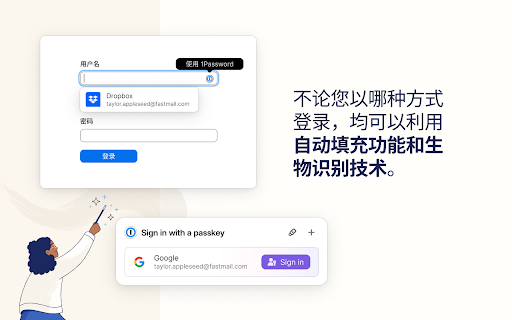
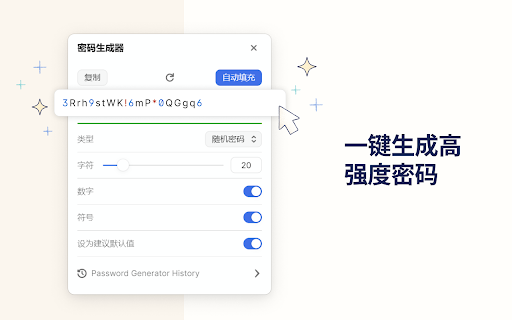
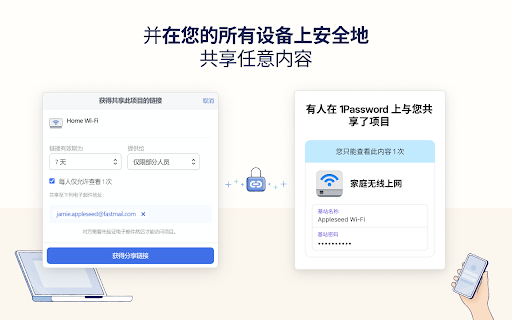
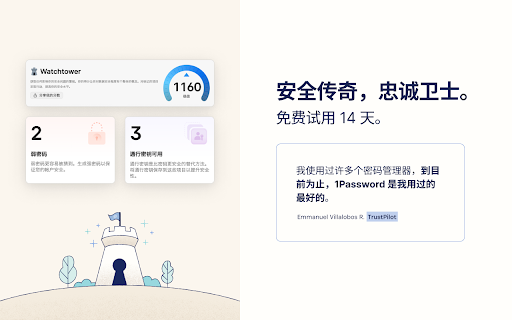
在浏览器中体验 1Password 的最佳方式。轻松登录网站、生成密码和保存安全信息。
? The 1Password beta is for adventurous folks who enjoy living on the cutting edge. Be the first to get the latest features.
This extension requires a 1Password membership. If you don't have one yet, you can sign up when you install the extension and try one free.
1Password is a password manager that keeps you safe online. You want to use different passwords for every website, but it can be hard to keep track of them all. With 1Password you only ever need to memorize…one password. All your other passwords and important information are protected behind the one password only you know.
1Password manages everything for you: generating, saving, and filling your passwords. Get to know 1Password in your browser:
https://support.1password.com/getting-started-browser/
**About your privacy**
1Password was designed with a deep respect for your privacy. The data you save is encrypted and inaccessible to us. Anything else is only ever used to provide you with service and support.
We believe strongly that your data is yours, and we don't want to know anything about it. This is one of the fundamental beliefs 1Password was built upon.
That's why our privacy policy is simple: your data is your data. We don't use it, we don't share it, and we don't sell it. You're our customer, not our product.
Privacy Policy:
https://1password.com/legal/privacy/
| 分类 | 📝工作流程与规划 |
| 插件标识 | khgocmkkpikpnmmkgmdnfckapcdkgfaf |
| 平台 | Chrome |
| 评分 |
★★★★☆
4.7
|
| 评分人数 | 2333 |
| 插件主页 | https://chromewebstore.google.com/detail/1password-beta-密码管理器/khgocmkkpikpnmmkgmdnfckapcdkgfaf |
| 版本号 | 8.10.64.6 |
| 大小 | 18.11MiB |
| 官网下载次数 | 60000 |
| 下载地址 | |
| 更新时间 | 2025-02-20 00:00:00 |
CRX扩展文件安装方法
第1步: 打开Chrome浏览器的扩展程序
第2步:
在地址栏输入: chrome://extensions/
第3步: 开启右上角的【开发者模式】
第4步: 重启Chrome浏览器 (重要操作)
第5步: 重新打开扩展程序管理界面
第6步: 将下载的crx文件直接拖入页面完成安装
注意:请确保使用最新版本的Chrome浏览器
同类插件推荐

Password Generator
Password Generator — simple, secure, one-click pas

Dashlane — 密码管理器
Dashlane 使互联网更轻松。保存所有密码,快速填充表单,并确保数据可访问且安全。全球 20,0
1Password Nightly - 密码管理器
在浏览器中体验 1Password 的最佳方式。轻松登录网站、生成密码和保存安全信息。? The 1

1Password Beta - 密码管理器
在浏览器中体验 1Password 的最佳方式。轻松登录网站、生成密码和保存安全信息。? The 1