
Memes - Every Tab Random Meme Chrome 插件, crx 扩展下载

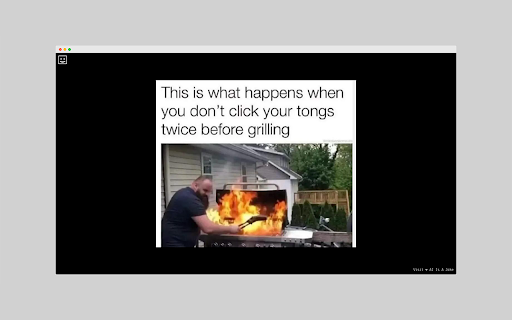
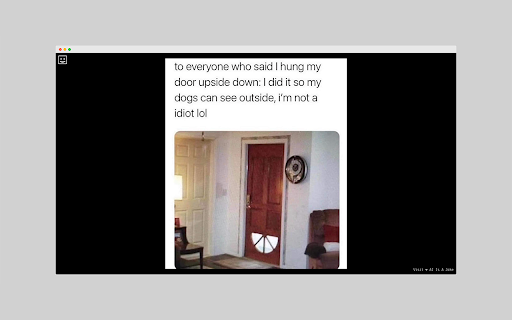

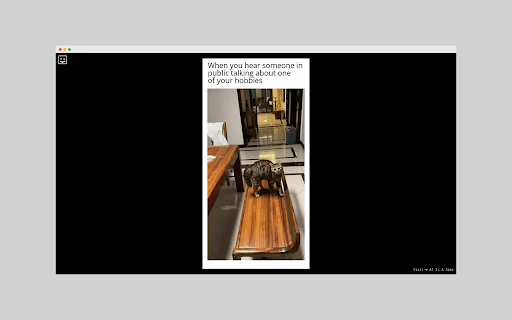
Are you tired of seeing the same old boring new tab page every time you open your browser? Do you need a little pick-me-up to…
Are you tired of seeing the same old boring new tab page every time you open your browser? Do you need a little pick-me-up to brighten your day? Look no further than our Chrome extension that delivers a fresh, hilarious meme every time you open a new tab. With our extension, you’ll never have to suffer through a dull browsing experience again. Our team of comedy experts has carefully curated a collection of the funniest memes from around the web, guaranteed to put a smile on your face. Whether you’re taking a break from work or just need a quick laugh, our extension has got you covered. Installation is quick and easy, and before you know it, you’ll be enjoying an endless stream of memes right in your browser. So why wait? Add our extension to your Chrome browser today and start enjoying a funnier, more entertaining browsing experience.
| 分类 | 🎉趣味休闲 |
| 插件标识 | kpkkccdagnldcpdpehfbialecklndlee |
| 平台 | Chrome |
| 评分 |
★★★★☆
4.9
|
| 评分人数 | 2054 |
| 插件主页 | https://chromewebstore.google.com/detail/memes-every-tab-random-me/kpkkccdagnldcpdpehfbialecklndlee |
| 版本号 | 1.0 |
| 大小 | 50.74KiB |
| 官网下载次数 | 373 |
| 下载地址 | |
| 更新时间 | 2023-05-11 00:00:00 |
CRX扩展文件安装方法
第1步: 打开Chrome浏览器的扩展程序
第2步:
在地址栏输入: chrome://extensions/
第3步: 开启右上角的【开发者模式】
第4步: 重启Chrome浏览器 (重要操作)
第5步: 重新打开扩展程序管理界面
第6步: 将下载的crx文件直接拖入页面完成安装
注意:请确保使用最新版本的Chrome浏览器
同类插件推荐
New Tab Memes + Search
Open a new tab and get fresh memes. Simple!Open a

Memes - Every Tab Random Meme
Are you tired of seeing the same old boring new ta

Meme Tab
See a new meme every time you open a new tab.Memes

KLIPY - GIFs, Clips, Stickers
All Your Entertainment in One Handy Extension!Expl

Brain Meme
But you didn't have to cut me off (like that)

Memes
View high-quality memes in your browser, from a cl

Flying Meme Animator
This is chrome extension for exposing funny GIFs.T

备忘录生成器
备忘录生成器:在几秒钟内创建备忘录杰作!制作、定制、分享--你最常用的备忘录生成器应用程序,让你瞬间

Meme Extended
When you need a quick escape from some boring stuf

Google Chrome浏览器的Meme Maker
自由!在浏览器中播放流行的声音模因。在线电话会议期间您会感到无聊吗?举行在线会议,让您变得有趣并减轻
Bro-Mon ? 浏览器怪兽 - 网页冲浪游戏
加入Bro-Mon游戏,享受史诗级网页乐趣!在浏览器上网页冲浪时捕捉野生怪兽。#SurfAndSna

Free Time Games
The best way to enjoy your games, without ads.Spen

Meme Soundboard - DJ Lunatique
Quickly search for any meme sounds from our Meme S