
remove YouTube TV button Chrome 插件, crx 扩展下载
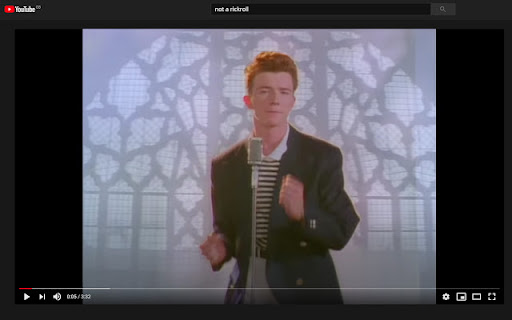
removes 'play on TV' button on YouTube
'play on TV' button is annoying element of YouTube and also is kind of dangerous. You no longer need to worry about accidentally pressing that button because it doesn't exist anymore after installing this extension.
==============
0.1.4 update to support manifest v3
| 分类 | 📝工作流程与规划 |
| 插件标识 | lcblinegofgihklfnclgedlfcolbacpl |
| 平台 | Chrome |
| 评分 |
★★★★☆
4.3
|
| 评分人数 | 82 |
| 插件主页 | https://chromewebstore.google.com/detail/remove-youtube-tv-button/lcblinegofgihklfnclgedlfcolbacpl |
| 版本号 | 0.1.4 |
| 大小 | 27.74KiB |
| 官网下载次数 | 5000 |
| 下载地址 | |
| 更新时间 | 2024-06-09 00:00:00 |
CRX扩展文件安装方法
第1步: 打开Chrome浏览器的扩展程序
第2步:
在地址栏输入: chrome://extensions/
第3步: 开启右上角的【开发者模式】
第4步: 重启Chrome浏览器 (重要操作)
第5步: 重新打开扩展程序管理界面
第6步: 将下载的crx文件直接拖入页面完成安装
注意:请确保使用最新版本的Chrome浏览器
同类插件推荐
remove YouTube TV button
removes 'play on TV' button on YouTube'

Remove Twitter Views
Remove Views button from TwitterAfter Elon Musk co

YouTube Distraction Killer
Remove distracting elements from YouTube's lay

YouTube Rewind & Fast Forward Buttons
Add Rewind & Fast Forward buttons to videos pl