Uno Online Game Chrome 插件, crx 扩展下载
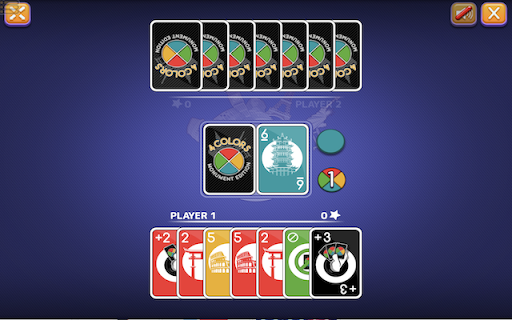
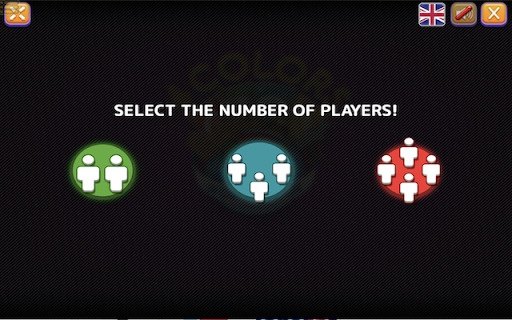
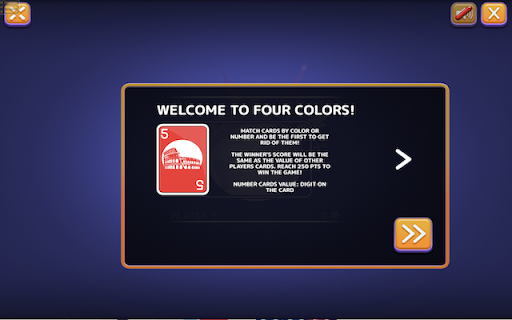
Now you can play Uno Online Game right on Chrome™ Browser! Offline and Popup Version, without internet required!
Uno is one of the intellectual card games that many parents and children enjoy nowadays. With its unique and creative gameplay, and the ability to accommodate multiple players, Uno is an exciting choice for group play.
To play Uno online, simply use your computer.
The basic rules of Uno involve a deck of 108 cards consisting of 76 normal cards, 24 special cards, and 8 wildcards, which are divided into four colors. First, one person will play any card, and the next player must play cards following the rule of the same color, number, or a Wild card.
For example, if Player A plays a yellow number 2 card, then the next player can only play cards that are:
Yellow in color (regardless of whether it's a normal or special card)
Number 2 (regardless of the color)
A Wild card (which does not have a specific color or number)
If the next player does not have any of these three types of cards, they must draw another card. If they draw one of these three types of cards, they can play it immediately. If not, they must pass their turn to the next player.
The person who has only one card left must press the button to let everyone know that they are about to run out of cards.
The winner is the person who plays all their cards first.
The person who reaches 500 points is the winner of the entire game.
Points are calculated as follows:
Normal cards numbered 0 to 9 are worth corresponding points from 0 to 9.
Special cards are worth 20 points.
Wild cards are worth 50 points.
Anyone who still has cards in their hand at the end of the game will have points deducted based on the cards they are holding.
The winner will receive the total number of points from all players.
| 分类 | 🎮游戏 |
| 插件标识 | njlinpeeddldglgjdmgaggbhpmppciij |
| 平台 | Chrome |
| 评分 |
★★★★☆
4.2
|
| 评分人数 | 37 |
| 插件主页 | https://chromewebstore.google.com/detail/uno-online-game/njlinpeeddldglgjdmgaggbhpmppciij |
| 版本号 | 1.0.3 |
| 大小 | 11.45MiB |
| 官网下载次数 | 2000 |
| 下载地址 | |
| 更新时间 | 2024-11-29 00:00:00 |
CRX扩展文件安装方法
第1步: 打开Chrome浏览器的扩展程序
第2步:
在地址栏输入: chrome://extensions/
第3步: 开启右上角的【开发者模式】
第4步: 重启Chrome浏览器 (重要操作)
第5步: 重新打开扩展程序管理界面
第6步: 将下载的crx文件直接拖入页面完成安装
注意:请确保使用最新版本的Chrome浏览器