
Night Mode for Jira Chrome 插件, crx 扩展下载
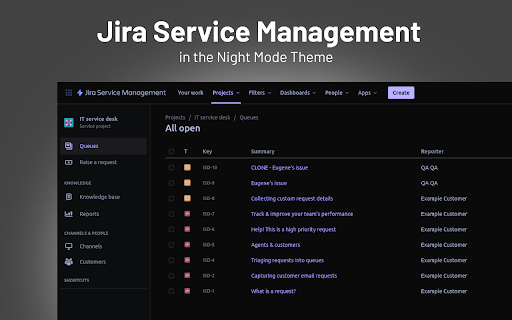
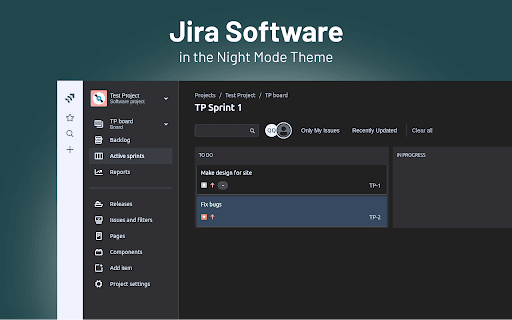
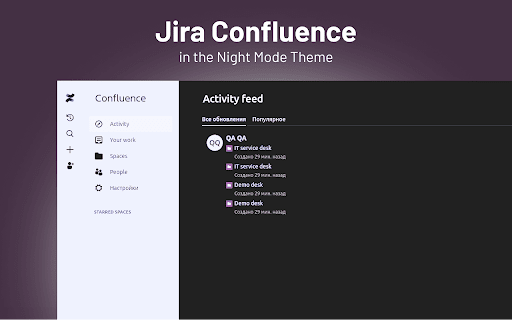
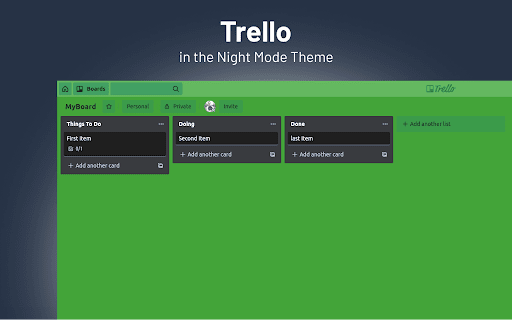
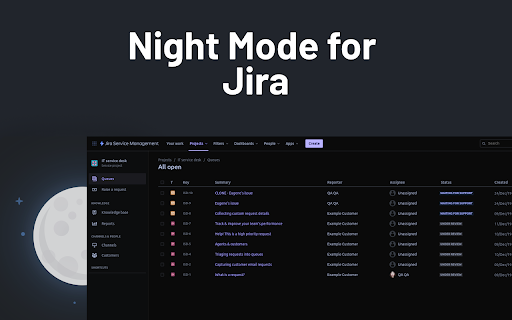
Take care of your eyes day and night using dark theme for Jira tools and services.
Looking for a way to change the color of Jira Service Management UI to black? Atlassian doesn’t offer this out of the box, so we created an extension that can change the white light of the Jira Service Management to black.
NEVER STRAIN YOUR EYES AGAIN
The dark skin will do what the name implies. But for greater comfort, we added the possibility to tweak the contrast and brightness of the colors.
Don’t forget about the Night Shift to save your eyes from straining. Shift the color scheme from blue to warm and minimize the harmful effects on your eyesight.
MAINTAIN A HEALTHY SLEEP CYCLE WITH NIGHT SHIFT
Excessive exposure to blue light that comes from the computer screen can mess up your sleep. Therefore, we added Night Shift, which you can turn on and off when needed. It will change the blue light to soft, warm tones to reduce the risk of insomnia and other health issues.
| 分类 | ⚙️功能性 |
| 插件标识 | nlgcogdbamhmdbpaabmpklojolokodaa |
| 平台 | Chrome |
| 评分 |
★★★★☆
4.7
|
| 评分人数 | 52 |
| 插件主页 | https://chromewebstore.google.com/detail/night-mode-for-jira/nlgcogdbamhmdbpaabmpklojolokodaa |
| 版本号 | 3.0.32 |
| 大小 | 703KiB |
| 官网下载次数 | 8000 |
| 下载地址 | |
| 更新时间 | 2024-12-23 00:00:00 |
CRX扩展文件安装方法
第1步: 打开Chrome浏览器的扩展程序
第2步:
在地址栏输入: chrome://extensions/
第3步: 开启右上角的【开发者模式】
第4步: 重启Chrome浏览器 (重要操作)
第5步: 重新打开扩展程序管理界面
第6步: 将下载的crx文件直接拖入页面完成安装
注意:请确保使用最新版本的Chrome浏览器
同类插件推荐

Jira Black - Dark Mode
Turn your Jira Cloud to Black, a nice looking Dark

Night Mode for Jira
Take care of your eyes day and night using dark th

暗色阅读器 - Chrome的暗色模式
为Chrome开启暗色模式。照顾你的眼睛,使用暗色主题进行夜间和日常浏览。深色阅读器 - Chrom
深色模式 - Сhrome 的深色閱讀器
黑暗主題是每個網站的經典黑暗模式。 深色主題將網站切換為深色閱讀器、夜班模式、夜間和日常瀏覽。 夜班