
tubeSeek :Personal YouTube tags, any language Chrome 插件, crx 扩展下载
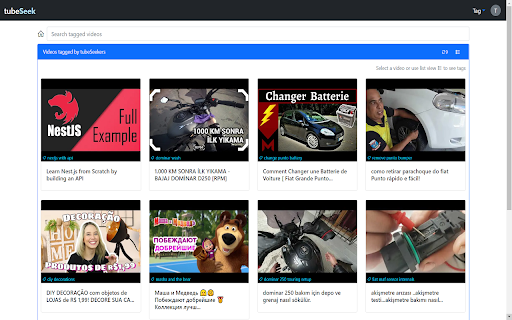
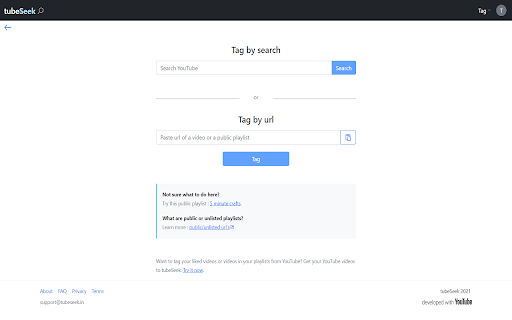
tubeSeek makes recollecting hard to find videos easier. Use your own tags for videos
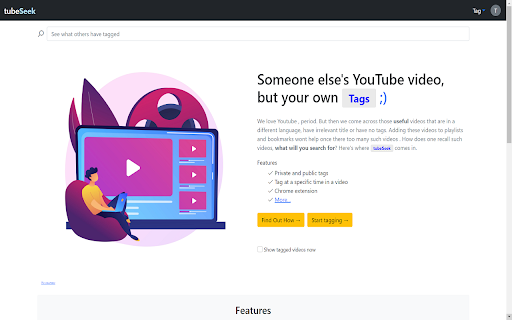
We love YouTube , period. But then we come across those useful videos that are in a different language, have irrelevant title or have no tags. Adding these videos to playlists and bookmarks wont help once there too many such videos . How does one recall such videos, what will you search for? Here's where tubeSeek comes in.
To use the extension , simply click on the tS icon when you are on a youtube video page and click Open on tubeSeek to start tagging.
tubeSeek offers the following features to its users to recollect videos faster:
1. Blazing fast searches : Responsive , search as you type
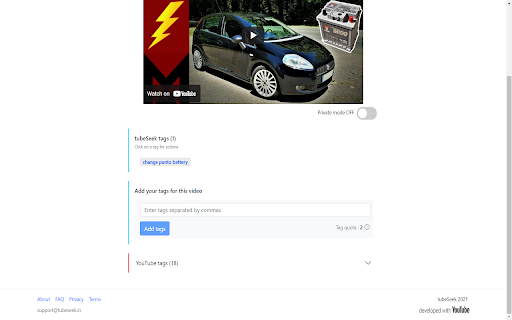
2. Private tags : Private tags as against the public ones are only visible to the tag owner. With private tags you get to add twice the number of tags per video than public tags.
3. Timed tags : Tag a video specifically at a particular time , so that it starts playing from that second when you open the video.
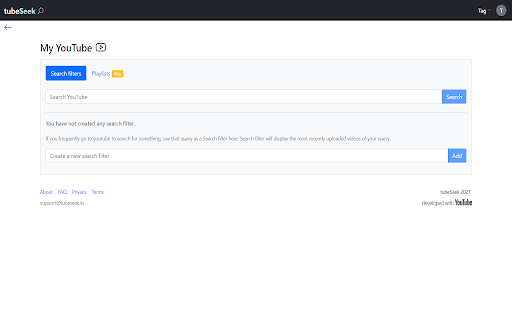
4. Search filters : You don't have to type your search query again and again, you store your search query and tubeSeek will display the latest videos of that search query.
| 分类 | 🛠️工具 |
| 插件标识 | oakjjdeignchdfbgnaceaajnbgggaaie |
| 平台 | Chrome |
| 评分 |
★★★★☆
4.7
|
| 评分人数 | 2767 |
| 插件主页 | https://chromewebstore.google.com/detail/tubeseek-personal-youtube/oakjjdeignchdfbgnaceaajnbgggaaie |
| 版本号 | 0.4 |
| 大小 | 10.36KiB |
| 官网下载次数 | 20 |
| 下载地址 | |
| 更新时间 | 2021-11-09 00:00:00 |
CRX扩展文件安装方法
第1步: 打开Chrome浏览器的扩展程序
第2步:
在地址栏输入: chrome://extensions/
第3步: 开启右上角的【开发者模式】
第4步: 重启Chrome浏览器 (重要操作)
第5步: 重新打开扩展程序管理界面
第6步: 将下载的crx文件直接拖入页面完成安装
注意:请确保使用最新版本的Chrome浏览器
同类插件推荐
tubeSeek :Personal YouTube tags, any language
tubeSeek makes recollecting hard to find videos ea

YouTube 标签提取器 - YouTube Tag Extractor
使用 YouTube 标签提取器 工具查看 YouTube 视频标题下的标签 - 无需额外点击!通过

YouTube Tags
The extension to view the tags of any YouTube vide

Youtube Tags
Find tags of youtube video tagsYoutube meta Tags a