
Amazon Quick Access Chrome 插件, crx 扩展下载
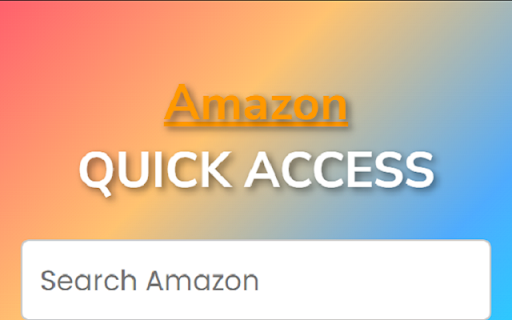
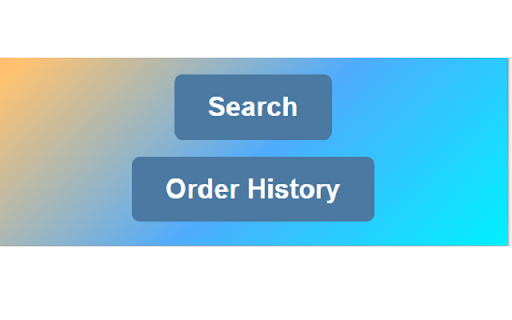
Quick access to Amazon search and order history.
Amazon Quick Access is a user-friendly and convenient Chrome extension that streamlines your Amazon shopping experience. With a sleek design and intuitive interface, this extension allows you to search for products on Amazon directly from your browser toolbar, minimizing the need to visit the Amazon homepage for every search.
Key features and functionality include:
Quick Search: Enter your search query in the provided input field and click the "Search" button to open a new tab displaying the search results on Amazon's website. This feature saves you time by reducing the steps required to find the products you're looking for.
Order History Access: With just one click, the "Order History" button takes you directly to your Amazon order history page, allowing you to conveniently track your past orders, returns, and more.
Stylish Design: Amazon Quick Access features a modern, visually appealing design that seamlessly integrates with your browser's look and feel.
Custom Font Integration: The extension uses popular Google Fonts, such as Montserrat, Nunito Sans, and Poppins, for an aesthetically pleasing and easy-to-read interface.
Lightweight and Fast: Amazon Quick Access is designed to have minimal impact on your browser's performance, ensuring a smooth and responsive user experience.
Regular Updates and Support: Our team is committed to providing regular updates to improve functionality and address any user concerns or issues.
Expand your Amazon shopping experience with Amazon Quick Access, the ultimate Chrome extension for fast and efficient browsing. Simplify your online shopping and save time with this must-have tool for Amazon users.
| 分类 | 🛠️工具 |
| 插件标识 | pafimekmihleialhlmiakpmmogoolocf |
| 平台 | Chrome |
| 评分 |
★★★★★
5
|
| 评分人数 | 1 |
| 插件主页 | https://chromewebstore.google.com/detail/amazon-quick-access/pafimekmihleialhlmiakpmmogoolocf |
| 版本号 | 1.6 |
| 大小 | 29.87KiB |
| 官网下载次数 | 50 |
| 下载地址 | |
| 更新时间 | 2023-05-02 00:00:00 |
CRX扩展文件安装方法
第1步: 打开Chrome浏览器的扩展程序
第2步:
在地址栏输入: chrome://extensions/
第3步: 开启右上角的【开发者模式】
第4步: 重启Chrome浏览器 (重要操作)
第5步: 重新打开扩展程序管理界面
第6步: 将下载的crx文件直接拖入页面完成安装
注意:请确保使用最新版本的Chrome浏览器
同类插件推荐

Amazon Auto Ordering
An extension to drive your Amazon shopping experie

Amazon Smile Auto Redirect
Redirects amazon.com to smile.amazon.com. Supports

Amazon Smile Redirect
Automatically redirect to the Amazon Smile when op

Amazon Quick Access
Quick access to Amazon search and order history.Am

Ad Blocker for Amazon
Use command to hide sponsored items and ads on you

Playlist Subscriber for Youtube
Enables you to subscribe to Youtube playlists.Intr

Shopon - ChatGPT for Amazon
亚马逊评论分析,listing优化Shopon是一款免费的卖家工具,可以一键分析数百万条亚马逊的商品

Amazon Shopping Companion & Ad Blocker
Avoid fake reviews, filter sponsored products, che

Amazon All in One Box
Display the useful data on Amazon's product pa
AmzOrders - Amazon Order History Downloader
AmzOrders helps you to extract your all amazon ord

Amazon Quick Search
Amazon Quick Search is Great Tool provided by Quic

Reviewer AI - The Amazon Product Reviewer
Reviews amazon products using AI to make your shop

TikTok Hashtag Generator
A free, easy-to-use online hashtag generator for i