AWS Peacock Management Console Chrome 插件, crx 扩展下载
CRX扩展文件安装方法
第1步: 打开Chrome浏览器的扩展程序
第2步:
在地址栏输入: chrome://extensions/
第3步: 开启右上角的【开发者模式】
第4步: 重启Chrome浏览器 (重要操作)
第5步: 重新打开扩展程序管理界面
第6步: 将下载的crx文件直接拖入页面完成安装
注意:请确保使用最新版本的Chrome浏览器
同类插件推荐

Rainbow AWS: AWS console header color
Change the color of the AWS console's headers

AWS Console Labels
Displays AWS Account Labels in the AWS Console hea

AWS Colorize
Color codes your AWS header based on what account
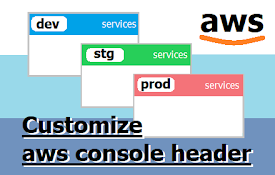
Customize AWS Console Header
Change AWS Console Header. background color and te

AWS console regions color
Changes the AWS console header color depending on
Console Recorder for AWS
Records actions made in the AWS Management Console

AWS Peacock Management Console
Browser Extension to change color of AWS Managemen
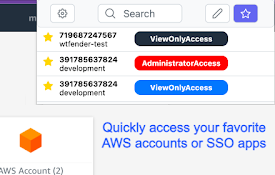
AWS SSO Extender
Organize access to the AWS console & other AWS

Extension for AWS SSO
This extension is for AWS Single Sign-On (AWS SSO)

AWS Sidebar
AWS Console Navigation Sidebar for ChromeImproved

AWS Favicon Update
IAM shouldn't be the only tab with a unique fa

AWS Extend Switch Roles
Extend your AWS IAM switching roles. You can set t

はてなブックマーク
はてなブックマークを Google Chrome でより便利に使える、はてなオフィシャルの拡張ですブ