Autoview.com Trading Extension Chrome 插件, crx 扩展下载
CRX扩展文件安装方法
第1步: 打开Chrome浏览器的扩展程序
第2步:
在地址栏输入: chrome://extensions/
第3步: 开启右上角的【开发者模式】
第4步: 重启Chrome浏览器 (重要操作)
第5步: 重新打开扩展程序管理界面
第6步: 将下载的crx文件直接拖入页面完成安装
注意:请确保使用最新版本的Chrome浏览器
同类插件推荐

Autoview.com Trading Extension
Trading automation using webhooks and more.Bring y

NinjaView
NinjaView - Seamlessly integrate your trading stra

ProfitView
Advanced TradingView automation, order and positio

Goat Alerts TradingView Bot
Automation & Shadow Trading for Cryptocurrency

TradingView Alerts to MT4/MT5
Enables trading when you sleepAFTER INSTALLING THI
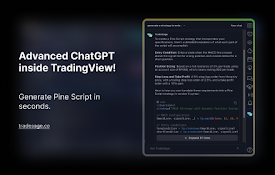
TradeSage - TradingView Enhancement Suite
Your trading copilot with ChatGPT Pine Script gene

TradingView Strategy Finder
Automated Backtesting ToolWith this extension you

TradingView Data Collector
Collects data from TradingView.com when space bar

OptiPie TradingView Optimizer
TradingView Parameter Optimizer as an extensionOpt

The Optimiser - TradingView Strategies
Optimise TradingView Strategies An assistant for o
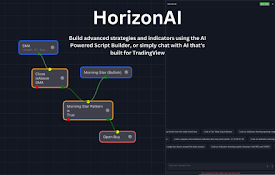
HorizonAI - Expert TradingView AI
HorizonAI is a AI tool designed to help you with y
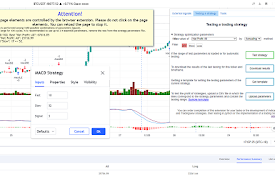
Tradingview assistant
An assistant for backtesting trading strategies an

Markets Guide: Meet TradingView Ultimate Power Extension
Master Trading and Technical Analysis with Markets