Multi Purpose Extension Chrome 插件, crx 扩展下载
CRX扩展文件安装方法
第1步: 打开Chrome浏览器的扩展程序
第2步:
在地址栏输入: chrome://extensions/
第3步: 开启右上角的【开发者模式】
第4步: 重启Chrome浏览器 (重要操作)
第5步: 重新打开扩展程序管理界面
第6步: 将下载的crx文件直接拖入页面完成安装
注意:请确保使用最新版本的Chrome浏览器
同类插件推荐

Multi Purpose Extension
Extension regroupant plusieurs modules : accès aux

Close Tab in Context Menu
Close tabs using a context menu option.This extens

LaterTabs
Save for tabs for later readingSave your tabs for

Awesome Window & Tab Manager
Displays a list of all windows and tabs open in Go

Awesome Button Bar
Button bar, combining downloads, bookmarks, extens

Popup'n My Resources
Integrated bookmarks, tabs, and history manager. C

tabzen
Too many open tabs? Manage your tabs, regain your

TabIt - BookMarks: Productivity in Access
Inimitable BookMarks Manager by TabItBookmarks Man

Context Menu Bookmarks
Use bookmarks and bookmarklets from the context me

Bookmark Manager per Domain and Page
A Bookmark Manager to list all bookmarks for the d
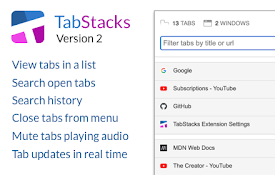
TabStacks: tab and history search
View and search through open tabs and browser hist

Vaux Tab
Vaux Tab Manager and Window OrganizerVaux is an in

The Great Grouper
Flooded with tabs? Store them easily into groups,