pestle+ Chrome 插件, crx 扩展下载
CRX扩展文件安装方法
第1步: 打开Chrome浏览器的扩展程序
第2步:
在地址栏输入: chrome://extensions/
第3步: 开启右上角的【开发者模式】
第4步: 重启Chrome浏览器 (重要操作)
第5步: 重新打开扩展程序管理界面
第6步: 将下载的crx文件直接拖入页面完成安装
注意:请确保使用最新版本的Chrome浏览器
同类插件推荐
FocalTab
Minimal & customizable newtab pageEver feeling
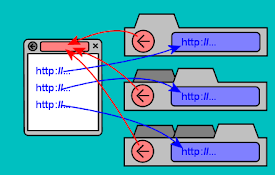
你爸爸是谁
当网站在新选项卡中打开链接时,此扩展程序允许您只需单击“返回”按钮即可找到原始网站。通过将当前选项卡

pestle+
Study smart with targeted practice by organizing p

Pestle for Chrome
Save recipes to Pestle from directly from Chrome.S
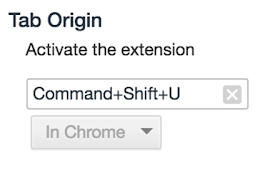
Tab Origin
Return to the page from which you opened this tab.

StraightenUp AI - AI Posture Assistant
StraightenUp AI blurs the browser slightly upon de

Copy Domain Name
Copies the domain name from the URL to your clipbo

ThinkLike.pro | Write Anything. Better.
AI-driven virtual assistant that helps you compose

SummarAI
Slicing Through Information OverloadIntroducing Su
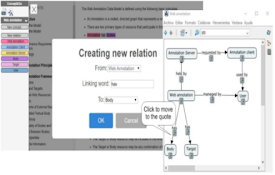
Concept&Go
Annotate documents an create your conceptual map!C

VideoMind: Quick ChatGPT for Youtube
1-Click summary, translation or qa for Youtube Vid

Clear Portal Cache
Clearing the cache with a single click!Easily clea

GitLab CI Lint - UI Enhancer
GitLab CI Lint - UI Enhancer, enhances your CI Lin