Pint for GitHub Chrome 插件, crx 扩展下载
CRX扩展文件安装方法
第1步: 打开Chrome浏览器的扩展程序
第2步:
在地址栏输入: chrome://extensions/
第3步: 开启右上角的【开发者模式】
第4步: 重启Chrome浏览器 (重要操作)
第5步: 重新打开扩展程序管理界面
第6步: 将下载的crx文件直接拖入页面完成安装
注意:请确保使用最新版本的Chrome浏览器
同类插件推荐

Followed By
Followed By uses GitHub’s public API to fetch mutu
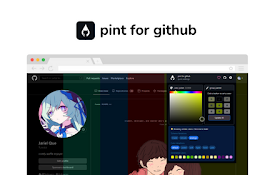
Pint for GitHub
Pint for GitHub is a theming engine that allows yo

ZenTube
Zen mode for YouTubeConsume YouTube more productiv

6th Toolbar Spacer
A partition icon for spacing the extension buttons

Web Cursors
Don't feel alone on the internet anymore and a

Auto Group Tabs
当需要同时打开、使用大量网页时,帮助你提高工作效率。自动将页面标签、网址分组归类,当访问、管理大量页

Devbox
A UI for local storageA chrome extension which sho

IntentSeek
Highlight the text you want efficiently to summari

Auto-Collapse Tab Groups
Automatically collapse unfocused tab groups.Are yo

Outline: quick notes
An extension that let you save you quick notes whi

GitHub Recommender
Get similar repositories on GitHub pageGet recomme
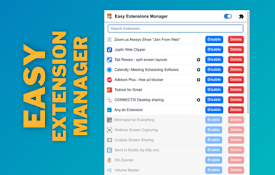
Easy Extensions Manager
Simplify extension management. Enable, disable, an
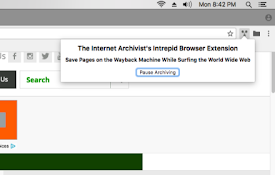
The Internet Archivist's Intrepid Extension
Save the pages you visit on the Wayback Machine wh