Playback Controls Chrome 插件, crx 扩展下载
CRX扩展文件安装方法
第1步: 打开Chrome浏览器的扩展程序
第2步:
在地址栏输入: chrome://extensions/
第3步: 开启右上角的【开发者模式】
第4步: 重启Chrome浏览器 (重要操作)
第5步: 重新打开扩展程序管理界面
第6步: 将下载的crx文件直接拖入页面完成安装
注意:请确保使用最新版本的Chrome浏览器
同类插件推荐

YouTube Scoll Seek
Seek YouTube videos by hovering mouse over video a

Media Hotkeys
Add Youtube style keyboard shortcuts to the media

Media Key Sharer
Share media key control between Chrome and system

Media Controller
Control video/audio in the webpage with keyboard s

视频快捷键
为主流视频网站启用和YouTube相同的播放器键盘快捷键支持。插件功能: 1. B站视频自动播放 2
playpause
Pause and play again your musicPlayPause is a smal

Playback Controls
Skip YouTube ads / Control video playbacks using k

Pause All Videos
Pauses all videos in all tabsThis tool is intended

YouTube Rewind & Fast Forward Buttons
Add Rewind & Fast Forward buttons to videos pl
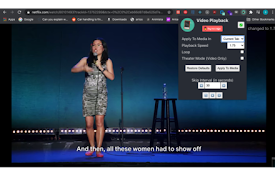
Video Playback Extension
A full-featured video and audio player extension.
East Control
An extension that allows easy control of various m
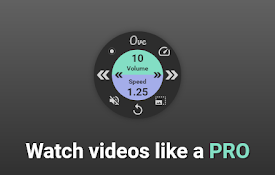
OVC - One Video Control
One Video Control to rule them all - redefining vi

Universal Video Player Controls
This extension lets you quickly seek video playbac