Last Tab Back Chrome 插件, crx 扩展下载
CRX扩展文件安装方法
第1步: 打开Chrome浏览器的扩展程序
第2步:
在地址栏输入: chrome://extensions/
第3步: 开启右上角的【开发者模式】
第4步: 重启Chrome浏览器 (重要操作)
第5步: 重新打开扩展程序管理界面
第6步: 将下载的crx文件直接拖入页面完成安装
注意:请确保使用最新版本的Chrome浏览器
同类插件推荐
SimpleLastTab
Creates a New Tab when you are at your last tab to
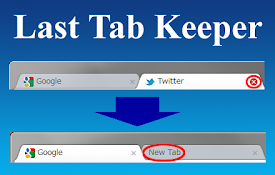
Last Tab Keeper
This extension create a new tab automatically if l
Last Tab Keepalive
Creates a new tab when the last tab is closed.** T
Keep Last Two Tabs
This extension keep last two tabs to prevent Chrom

Don't Close Window With Last Tab
Prevent closing of Google Chrome with the last tab

Pin Last Tab
Make the last tab pinnedUse the context menu to pi

Keep One Pinned Tab
Keep one (optionally unfocusable) per window pinne
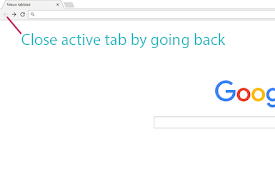
Close on Back
This extension will close your active tab when you

Middle Click To Go Back
Go back with your middle mouse button.Enhance your

Last Tab Back
Use the back key to close the tab if there are no

Last Tabs
Provides a menu with your previous tabs in order o
切換最後一個選項卡
使用快捷鍵 <Alt + Q>(或定義您自己的)在兩個最近使用的選項卡之間切換。 需要一
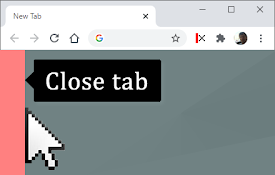
Close This Tab
Easily close tabs with the in-page border element.