Chrome Font Super Enhancer Chrome 插件, crx 扩展下载
CRX扩展文件安装方法
第1步: 打开Chrome浏览器的扩展程序
第2步:
在地址栏输入: chrome://extensions/
第3步: 开启右上角的【开发者模式】
第4步: 重启Chrome浏览器 (重要操作)
第5步: 重新打开扩展程序管理界面
第6步: 将下载的crx文件直接拖入页面完成安装
注意:请确保使用最新版本的Chrome浏览器
同类插件推荐
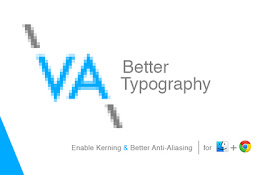
Better Typography | Smooth Fonts
Enable Kerning & Grayscale Anti-Aliasing for c
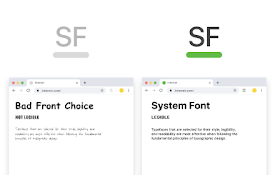
System Font Everywhere
Use system font on the webUse this extension to ap
Page Font Bolder
Make the page font bolderIt makes the font of page
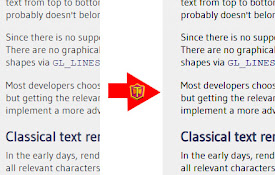
Chrome Font Super Enhancer
Enhanced font rendering in Chrome!Chrome Font Supe

Darken text
This extension darkens text in <p> tags to m

Font Rendering Enhancer
Font Rendering Enhancer for Chrome. Darker and cle

Make Chrome Text Black
Make text easier to read in Google ChromeMake Chro

Blacker Text
Make near-black text black.It has become fashionab

Better Text View
Makes webpage text larger and readable.Small text

deblurr
Disables anti-aliasing.The deblurr extension will

Better Font
Improve websites appearance on Google Chome with b

Advanced Font Changer
Change the font of any website without altering it

ContextSearch web-ext
轻松添加搜索引擎并从右键菜单和方便的弹出窗口中搜索ContextSearch web-ext Th