
Page Load Timer Chrome 插件, crx 扩展下载
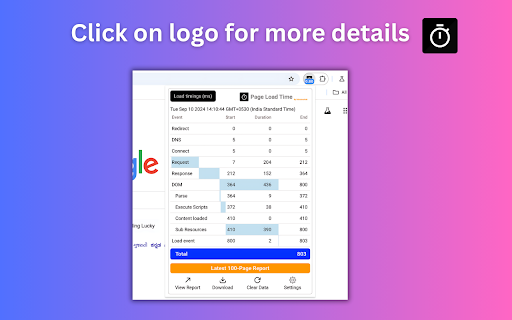
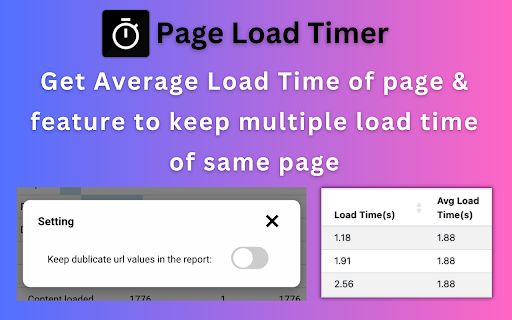

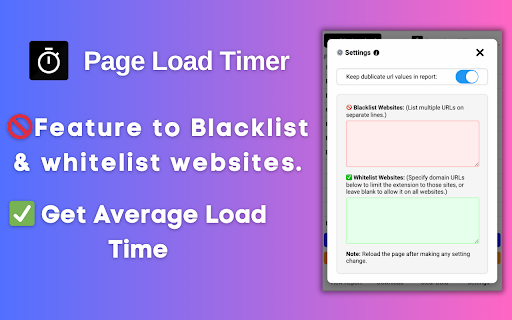
Displays webpage load time in the toolbar
This extension measures page load time and displays it in the toolbar automatically. Navigation Timing API is used for precise measurement.
How to use-
1. Add plugin to browser.
2. Pin the plugin to the toolbar.
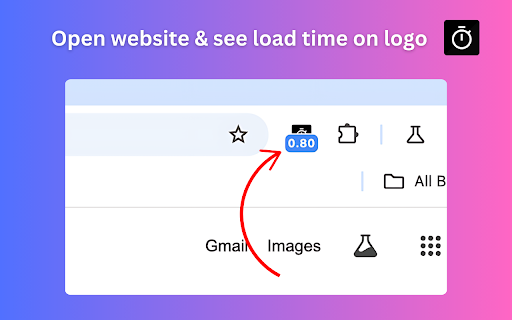
3. Now open any website and it will automatically show the page load time on it's logo itself.
4. You can view and download the report for the last 100 opened webpages.
Please follow this video for live demo-
https://www.youtube.com/watch?v=3R9RFNVB5Vc
| 分类 | 💻开发者工具 |
| 插件标识 | bhklhaccecniahpolfcfjlhhnhogkfio |
| 平台 | Chrome |
| 评分 |
★★★★★
5
|
| 评分人数 | 4 |
| 插件主页 | https://chromewebstore.google.com/detail/page-load-timer/bhklhaccecniahpolfcfjlhhnhogkfio |
| 版本号 | 1.0.2 |
| 大小 | 1.28MiB |
| 官网下载次数 | 4000 |
| 下载地址 | |
| 更新时间 | 2024-12-06 00:00:00 |
CRX扩展文件安装方法
第1步: 打开Chrome浏览器的扩展程序
第2步:
在地址栏输入: chrome://extensions/
第3步: 开启右上角的【开发者模式】
第4步: 重启Chrome浏览器 (重要操作)
第5步: 重新打开扩展程序管理界面
第6步: 将下载的crx文件直接拖入页面完成安装
注意:请确保使用最新版本的Chrome浏览器
同类插件推荐
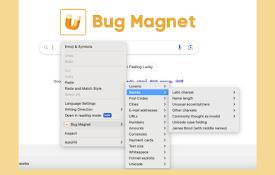
Bug Magnet
Fill test data using the right-click context menu

BetterBugs: A Fresh Approach to Bug Reporting
Catch, report and fix bugs faster.Create perfect b

page time
See how much time you spend in each websiteSimple
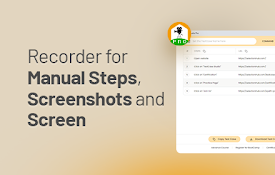
TestCase Studio Pro
TestCase Studio Pro record the user actions perfor
Clear Cache
Clear your cache and browsing data with a single c

TestCase Studio
TestCase Studio record the user actions performed

Page Load Optimizer
Optimize webpage loading by blocking unnecessary s

SelectorsHub Pro
xPath plugin to auto generate, write and verify xp

Testing Daily | The Tester's Home Page
Get the feed of the latest testing news.Testing Da

Bug Magnet
Right-click context menu to help with exploratory

URL Performance Checker
Check the average load time of a webpage.URL Perfo
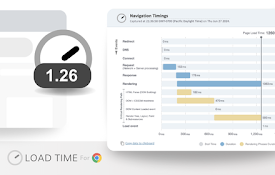
Load Time
Shows the load time of a web page in the toolbar a

Page Load Timer
Displays webpage load time in the toolbarThis exte