
AutoSkippy | Skip Intros, Ads, Recaps & More Chrome 插件, crx 扩展下载
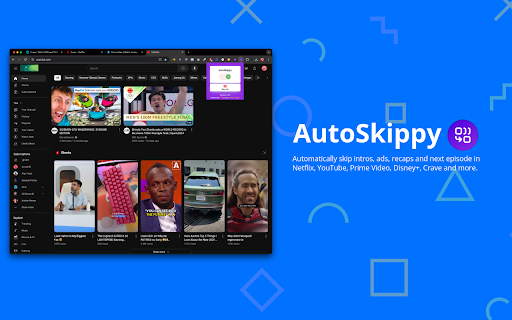
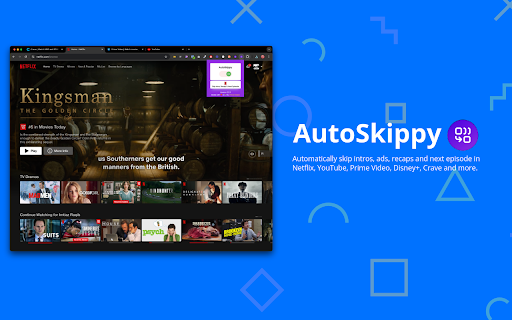
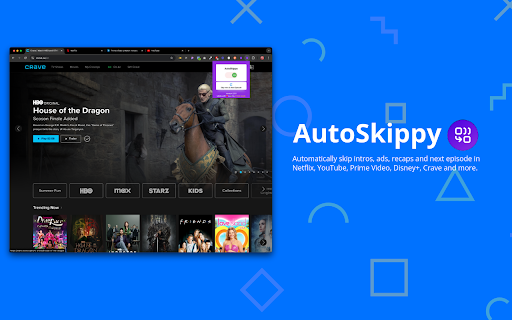
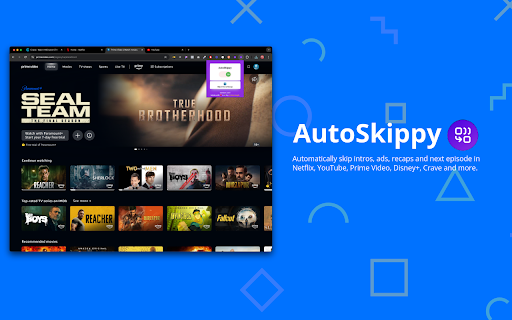
Automatically skip intros, ads, recaps and next episode in Netflix, Prime Video, Disney+, Crave and more.
Transform your streaming experience with AutoSkippy! This Chrome extension makes binge-watching effortless by automatically skipping intros, ads, recaps, and advancing to the next episode. Say goodbye to repetitive clicks and enjoy uninterrupted streaming with just a toggle.
Key Features:
1. Automatic Intros Skip: Effortlessly skips intro screens on Netflix, Netflix, YouTube, Prime Video, Disney+, Crave and other platforms.
2. Ad Skipping: Automatically skips ads on YouTube and more.
3. Recap Skipping: Eliminate recap screens to dive straight into the next episode.
4. Next Episode Button: Automatically advances to the next episode without manual clicks.
5. Sleek Design: Features a stylish toggle button with interactive indicators.
6. Privacy First: Operates securely within streaming platforms while keeping your data private.
How to Use:
1. Toggle AutoSkippy on.
2. Open Netflix, YouTube, Crave, Prime Video or other supported platforms and start watching.
3. Relax—AutoSkippy will handle the rest!
| 分类 | ♿无障碍访问 |
| 插件标识 | dokilgnebmohchllgdpkcidnlmpjfaji |
| 平台 | Chrome |
| 评分 |
★★★★☆
4.8
|
| 评分人数 | 2190 |
| 插件主页 | https://chromewebstore.google.com/detail/autoskippy-skip-intros-ad/dokilgnebmohchllgdpkcidnlmpjfaji |
| 版本号 | 3.0.1 |
| 大小 | 37.51KiB |
| 官网下载次数 | 482 |
| 下载地址 | |
| 更新时间 | 2025-02-12 00:00:00 |
CRX扩展文件安装方法
第1步: 打开Chrome浏览器的扩展程序
第2步:
在地址栏输入: chrome://extensions/
第3步: 开启右上角的【开发者模式】
第4步: 重启Chrome浏览器 (重要操作)
第5步: 重新打开扩展程序管理界面
第6步: 将下载的crx文件直接拖入页面完成安装
注意:请确保使用最新版本的Chrome浏览器
同类插件推荐

Binge It
Binge Away on Netflix, Prime, Disney+ Hotstar (Aut

AutoSkippy | Skip Intros, Ads, Recaps & More
Automatically skip intros, ads, recaps and next ep

Streaming enhanced Netflix Disney Prime Video
Skip ads, intros, credits and add adjust speed, et

Freevee Skipper: skip ads, intros & more
Automatically skip intros, recaps, block ads and c