
Clinical Notes AI Chrome 插件, crx 扩展下载

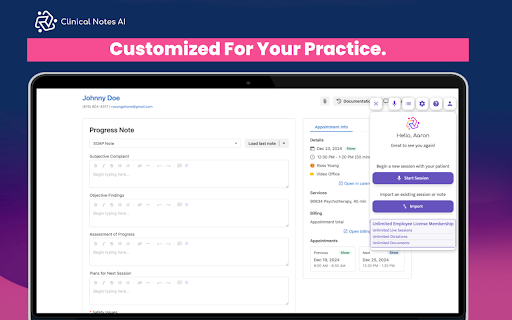
Clinical Notes AI Browser Extension
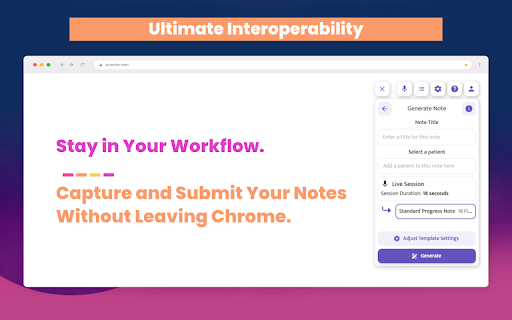
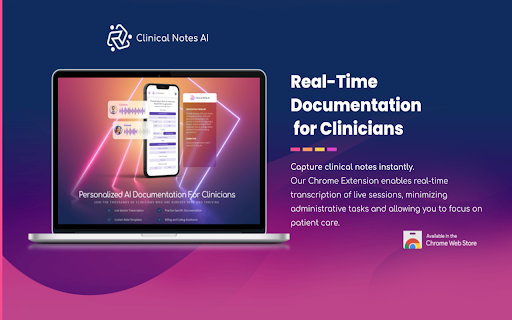
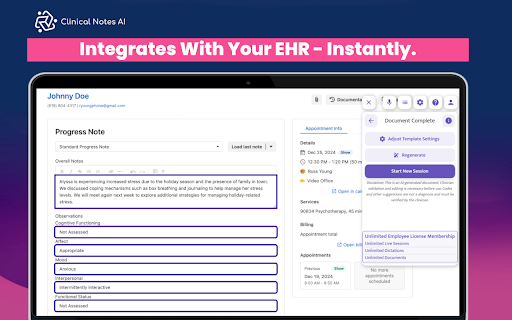
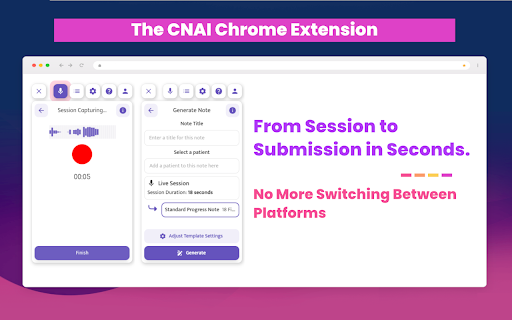
The Clinical Notes AI Chrome extension streamlines the clinical documentation process by recording conversations during patient sessions and converting them into text, which is then automatically integrated into Electronic Health Record (EHR) system forms. This real-time transcription eliminates the need for manual note-taking, allowing clinicians to focus on patient care. The AI processes spoken words into structured clinical notes, providing a seamless copy-paste function into the appropriate EHR fields. The system supports both live transcriptions during sessions and post-session dictations, and all data is handled in a HIPAA-compliant manner, ensuring confidentiality and security.
This integration significantly reduces documentation time, accelerates insurance reimbursement processes, and supports clinician well-being by alleviating administrative burdens.
| 分类 | 🛠️工具 |
| 插件标识 | epehnbnhpgdckdeiclihbcoihhjnmicf |
| 平台 | Chrome |
| 评分 |
★★★★★
5
|
| 评分人数 | 13 |
| 插件主页 | https://chromewebstore.google.com/detail/clinical-notes-ai/epehnbnhpgdckdeiclihbcoihhjnmicf |
| 版本号 | 0.3.7 |
| 大小 | 2.91MiB |
| 官网下载次数 | 1000 |
| 下载地址 | |
| 更新时间 | 2025-02-26 00:00:00 |
CRX扩展文件安装方法
第1步: 打开Chrome浏览器的扩展程序
第2步:
在地址栏输入: chrome://extensions/
第3步: 开启右上角的【开发者模式】
第4步: 重启Chrome浏览器 (重要操作)
第5步: 重新打开扩展程序管理界面
第6步: 将下载的crx文件直接拖入页面完成安装
注意:请确保使用最新版本的Chrome浏览器
同类插件推荐

Upheal
The best AI notes for mental health professionals.

Clinical Notes AI
Clinical Notes AI Browser ExtensionThe Clinical No

Blueprint: AI Notetaker
AI NotetakerOverview: Blueprint’s AI Notetaker lis

AizaMD
Enhance your clinical documentation with AizaMD, t

JotPsych
A chrome extension for JotPsych, your behavioral h

Suki Assistant
Suki AI-powered clinical documentation app in your

Chartnote
Chartnote has everything you need to expedite your

Nabla
Nabla creates medical notes in seconds.Nabla is bu

Dragon (DMO, DMD, DPA, DLA) Web Extension
Dragon Web ExtensionThis extension unleashes Drago

Virtru Email Protection
Surprisingly easy email protection and control for

Dragon Web Extension
Dragon Web Extension for ChromeFor Dragon 13 or la