
Sublime Chrome 插件, crx 扩展下载
Collect and connect anything interesting you find on the Internet
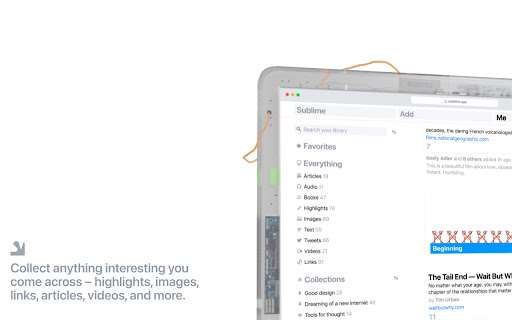
At Sublime, we’re on a quest to build the perfect tool to collect and connect anything interesting you come across, so you can build your own intelligent library of ideas.
With our browser extension you can save anything from anywhere on the web.
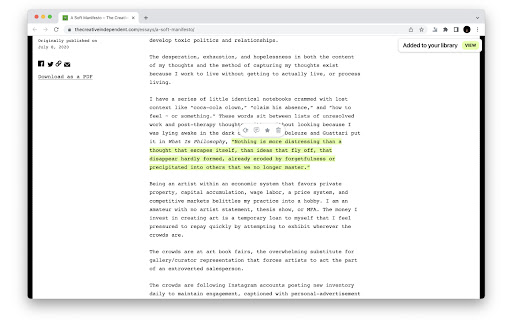
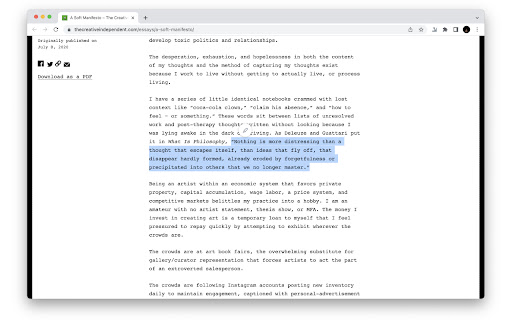
• Select any text to save a highlight.
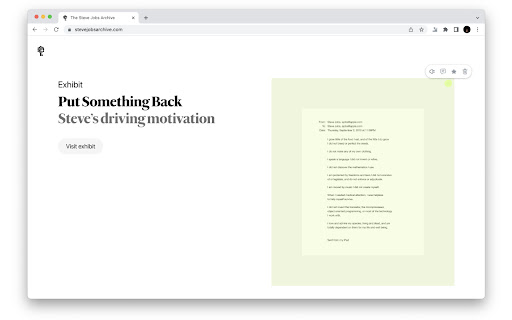
• Right-click any image to save it.
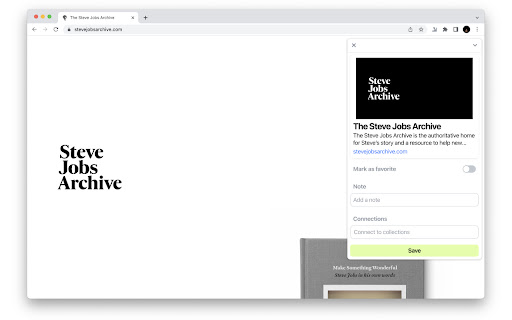
• Click the Sublime extension icon to save links.
• Connect highlights, images, and links to your collections.
• Add notes to remember why you saved something.
You'll need a Sublime account to use this extension.
Join here: https://sublime.app/sign-up
Sublime is for you if…
• You want a simpler, more communal way to build your “second brain”.
• You are a thinker, tinkerer, writer, or creative in love with interesting ideas.
• You want to turn the countless hours you spend reading and consuming content into a curated, self-organizing personal library.
• You find curation and world-building to be a very gratifying leisurely pursuit.
• You want serendipitous encounters with good people on the Internet without the pressure to accumulate likes or build an audience.
A sublime Internet awaits you.
Check out the extension guide: https://sublimeapp.notion.site/The-Sublime-browser-extension-d00f26500970464f82ccc0200bd901ba
Read our manifesto: https://sublimeapp.notion.site/A-SUBLIME-INTERNET-b5453f44067e4e8c81f02716fc162cdc
| 分类 | 📝工作流程与规划 |
| 插件标识 | fnliebffpgomomjeflboommgbdnjadbh |
| 平台 | Chrome |
| 评分 |
★★★★☆
4.1
|
| 评分人数 | 18 |
| 插件主页 | https://chromewebstore.google.com/detail/sublime/fnliebffpgomomjeflboommgbdnjadbh |
| 版本号 | 0.22.1 |
| 大小 | 8.82MiB |
| 官网下载次数 | 2000 |
| 下载地址 | |
| 更新时间 | 2025-02-01 00:00:00 |
CRX扩展文件安装方法
第1步: 打开Chrome浏览器的扩展程序
第2步:
在地址栏输入: chrome://extensions/
第3步: 开启右上角的【开发者模式】
第4步: 重启Chrome浏览器 (重要操作)
第5步: 重新打开扩展程序管理界面
第6步: 将下载的crx文件直接拖入页面完成安装
注意:请确保使用最新版本的Chrome浏览器
同类插件推荐

Are.na
Assemble and connect information.Are.na is a platf

GigaBrain - AI Companion for Reddit
GPT for Reddit. The quickest way to get the most u

+Roam
Save snippets to Roam Research - A tool by Ness La

Me.bot
Me.bot: Your Second Brain that Enhances Your Memor

Saner.AI - Capture information instantly
Saner.ai seamlessly captures, organizes informatio

Raycast Companion
A browser extension to give more context to Raycas

mymind — An extension for your mind
Add images, bookmarks, notes, quotes or text highl

Twos: The best place to write *things* down
Chrome extension for Twos: The best place to write

Aboard
Data management for everyone. Aboard uses AI to si

Matter
Save articles to your Matter accountMatter: Save,

Amplecap Beta
Capture web content to AmplenoteAmplecap helps cap

Sublime
Collect and connect anything interesting you find

Readwise Highlighter
Save a page to Readwise ReaderThis is the official