
Facebook Reels Control Chrome 插件, crx 扩展下载
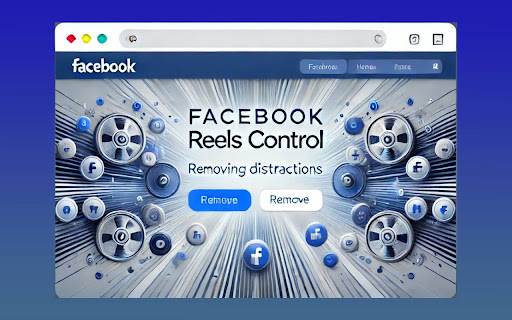
Hide Reels and Short Videos from Facebook Feed and redirect Reels URLs.
Take back control of your Face-book experience!
Face-book Reels Control is a simple and effective Chrome extension designed to enhance your browsing experience on Facebook. With this extension, you can:
✅ Hide Facebook Reels: Instantly remove Reels and Short Videos from your Facebook feed to declutter your timeline and focus on the content that matters to you.
✅ Redirect Reels URLs: Automatically redirect Reels URLs to Facebook's main page, preventing you from accidentally landing on distracting content.
Features:
- Toggle Reels hiding on and off with ease.
- Enable or disable automatic URL redirection.
- Lightweight and user-friendly design with seamless integration into your browser.
- Completely customizable settings saved locally for your convenience.
Who is it for?
Users looking to declutter their Facebook feed.
Anyone wanting to avoid distractions and improve productivity.
People who want a cleaner, more focused Facebook experience.
Privacy Note:
This extension does not collect or share any personal data. All settings are stored locally in your browser.
Get started today and enjoy a distraction-free Facebook experience with Facebook Reels Control!
| 分类 | 🛠️工具 |
| 插件标识 | icaemkkodkjopfdphkpaehbojhlmjcao |
| 平台 | Chrome |
| 评分 |
★★★★☆
4.8
|
| 评分人数 | 57 |
| 插件主页 | https://chromewebstore.google.com/detail/facebook-reels-control/icaemkkodkjopfdphkpaehbojhlmjcao |
| 版本号 | 1.2 |
| 大小 | 12.68KiB |
| 官网下载次数 | 113 |
| 下载地址 | |
| 更新时间 | 2024-11-29 00:00:00 |
CRX扩展文件安装方法
第1步: 打开Chrome浏览器的扩展程序
第2步:
在地址栏输入: chrome://extensions/
第3步: 开启右上角的【开发者模式】
第4步: 重启Chrome浏览器 (重要操作)
第5步: 重新打开扩展程序管理界面
第6步: 将下载的crx文件直接拖入页面完成安装
注意:请确保使用最新版本的Chrome浏览器
同类插件推荐
Facebook Reels Control
Hide Reels and Short Videos from Facebook Feed and

Stop Facebook Spam
Hides 'suggested for you' pages, reels, an

YouTube Shorts Progress & Volume Controller
Allows a slider based controlling volume in youtub

Hide Shorts Stories Reels - Youtube Facebook
Hide Shorts Stories Reels & Short Videos from