
JSX Converter Chrome 插件, crx 扩展下载
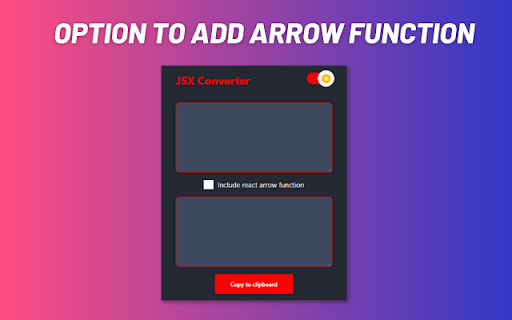

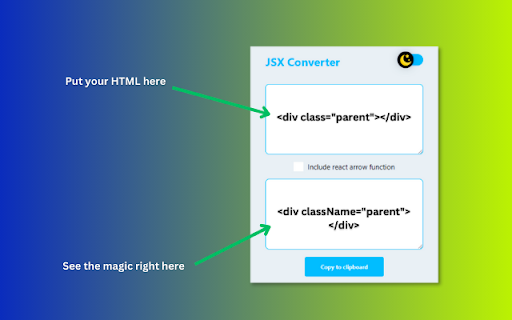
This extension used to convert html into jsx
Streamline your React development workflow with the HTML to JSX Converter Chrome extension. Say goodbye to the manual effort of converting HTML code to JSX syntax – our powerful tool automates the process, saving you time and reducing errors.
? Key Features:
✓ Effortless Conversion: Instantly transform HTML snippets into JSX syntax with a single click.
✓ Seamless Integration: Easily integrate converted code into your React applications without the hassle of manual translation.
✓ Maintain Code Consistency: Ensure consistency across your projects by generating accurate JSX representations of your HTML designs.
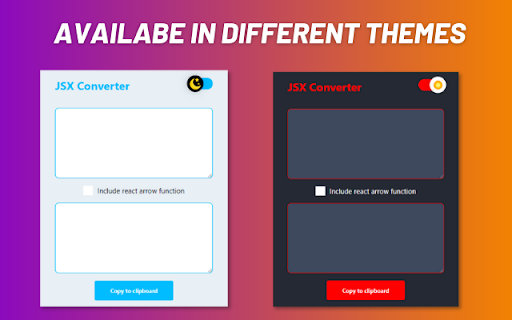
✓ Intuitive Interface: Enjoy a user-friendly interface that makes the conversion process intuitive and straightforward.
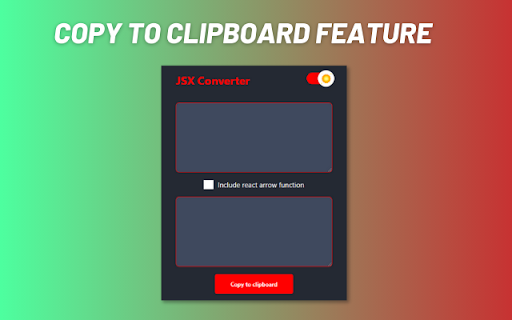
✓ Copy to Clipboard: Quickly copy converted JSX code to your clipboard for seamless pasting into your codebase.
| 分类 | 💻开发者工具 |
| 插件标识 | jnacehohfoodlipnifipgfabkbdmknmf |
| 平台 | Chrome |
| 评分 |
☆☆☆☆☆
0
|
| 评分人数 | 3 |
| 插件主页 | https://chromewebstore.google.com/detail/jsx-converter/jnacehohfoodlipnifipgfabkbdmknmf |
| 版本号 | 1.0.0 |
| 大小 | 80.11KiB |
| 官网下载次数 | 74 |
| 下载地址 | |
| 更新时间 | 2023-08-11 00:00:00 |
CRX扩展文件安装方法
第1步: 打开Chrome浏览器的扩展程序
第2步:
在地址栏输入: chrome://extensions/
第3步: 开启右上角的【开发者模式】
第4步: 重启Chrome浏览器 (重要操作)
第5步: 重新打开扩展程序管理界面
第6步: 将下载的crx文件直接拖入页面完成安装
注意:请确保使用最新版本的Chrome浏览器
同类插件推荐
JSX Converter
This extension used to convert html into jsxStream

HTML to JSX
HTML to JSX Converter Description Easily convert

Parse & Diff Tool
Save engineers time from endless manual en/decode/

Team Bookmarks
Bookmark extension for you & your team.Tired o
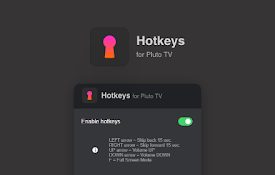
Hotkeys for PlutoTV: keyboard shortcuts
Extension allows using keyboard shortcuts on Pluto

Backlog Sprinter
This helps your sprint development on Backlog.This

Swish QR-code generator
Generates Swish QR-codes from selectionsEasily gen
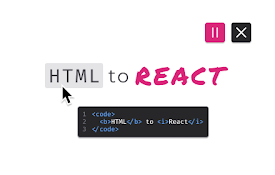
HTML to React
The fastest and smartest way to analyze HTML eleme
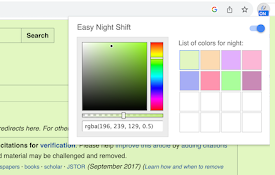
Easy Night Shift
Adjust screen brightness to a protective color fro

Github Package.json Enhancer
Enhance Github's package.json file viewing exp

Chatin for Problem Analysis
This extension enables Design Science Research thr

New Reddit comment faces
Renders comment faces, spoiler codes, and other ol

PimpMyBB
⚡ Supercharge your Book Bolt experience with PimpM