
Link Saver Chrome 插件, crx 扩展下载
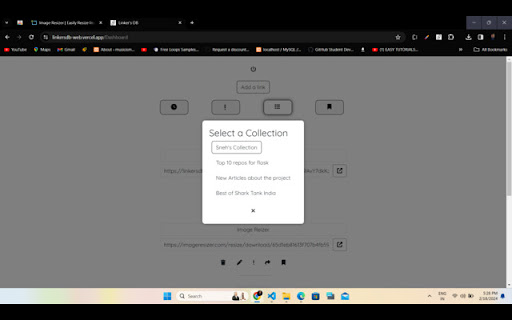
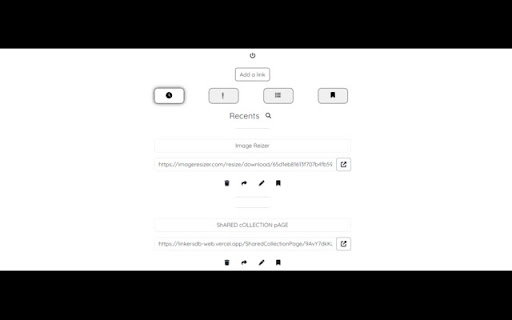
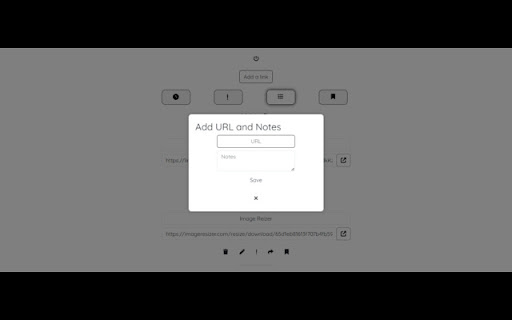
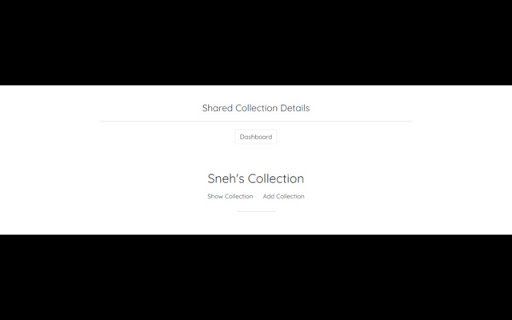
Save links with notes.
? One-click link saving with notes for active tabs.
? Seamless access to saved content from anywhere.
?️ Intuitive interface for effortless navigation and usage.
? Secure cloud synchronization for data accessibility across devices.
?️ Organize saved links into customizable collections for better management.
? Prioritize privacy and security with encrypted data storage
Linker's DB revolutionizes the way you manage and organize your online resources. As your ultimate digital link repository, Linker's DB offers a seamless solution for capturing, storing, and accessing web content with unparalleled ease.
With Linker's DB, saving active tab links along with personalized notes is as simple as a click. Whether you're bookmarking articles, compiling research materials, or saving inspiration for creative projects, Linker's DB empowers you to curate your digital library effortlessly.
Navigation and organization are made effortless with Linker's DB's intuitive interface. Categorize and tag your saved links to streamline retrieval, eliminating the need for endless scrolling through cluttered bookmarks folders. With Linker's DB, finding and accessing specific content is quick and hassle-free.
Linker's DB isn't just a bookmarking tool – it's a versatile platform that adapts to your unique needs and preferences. Whether you're a student, researcher, professional, or casual internet user, Linker's DB provides a flexible solution for managing your online resources. From educational materials to project resources, Linker's DB is your indispensable companion for digital content management.
Accessibility is key with Linker's DB. Your saved links and notes are securely stored in the cloud, ensuring seamless access from any device, anywhere in the world. Whether you're on your computer, tablet, or smartphone, Linker's DB keeps your digital link repository within reach, allowing you to transition between devices effortlessly.
Privacy and security are top priorities for Linker's DB. Your data is encrypted and stored securely, guaranteeing that your valuable information remains safe and confidential at all times. With Linker's DB, you can manage your web content with confidence, knowing that your privacy is protected.
Join the Linker's DB community today and experience the power of a centralized digital link repository. Say goodbye to scattered bookmarks and hello to a more organized and productive online experience with Linker's DB.
| 分类 | 📝工作流程与规划 |
| 插件标识 | kcancggpgjikndnlbmngcpjjkdcgffdo |
| 平台 | Chrome |
| 评分 |
★★★★☆
4.7
|
| 评分人数 | 10 |
| 插件主页 | https://chromewebstore.google.com/detail/link-saver/kcancggpgjikndnlbmngcpjjkdcgffdo |
| 版本号 | 1.0 |
| 大小 | 29.28MiB |
| 官网下载次数 | 88 |
| 下载地址 | |
| 更新时间 | 2024-02-25 00:00:00 |
CRX扩展文件安装方法
第1步: 打开Chrome浏览器的扩展程序
第2步:
在地址栏输入: chrome://extensions/
第3步: 开启右上角的【开发者模式】
第4步: 重启Chrome浏览器 (重要操作)
第5步: 重新打开扩展程序管理界面
第6步: 将下载的crx文件直接拖入页面完成安装
注意:请确保使用最新版本的Chrome浏览器
同类插件推荐

ClearView for YouTube - Speed Control & Focus Mode
Enhance YouTube with custom video speeds, distract

Instapaper Notes Filter
Filters Notes by article on Instapaper's Notes

Web Page Saver Pro
Save the current webpage as an HTML file with all

Link Saver
Save links with notes.? One-click link saving with

Link Saver
Easily save, manage, and share your links with jus

Link Saver
‘Link Saver’ is an extension that is a quick and e

Link Saver & Organizer
This link saver helps you save time by storing you

Save Links
This extension helps you to save links and tabs th

Wise Owl
The wise owl is here to help you with your earning
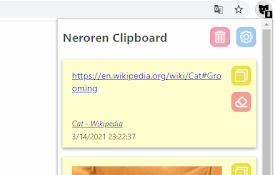
Neroren剪贴板
无论何时何地, 剪贴板会记得你复制的内容可将文本、链接、图像保存到剪贴板并重新装入

vidyaNote - YouTube 笔记和荧光笔
使用实时预览 Markdown 笔记编辑器从 YouTube 视频笔记中记下笔记。文本和视频荧光笔。

Link Saver - Link Managment
Save and get quick access to your linksLink Saver
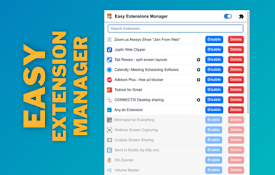
Easy Extensions Manager
Simplify extension management. Enable, disable, an