
Youtube Controller hidden & Caption move Chrome 插件, crx 扩展下载
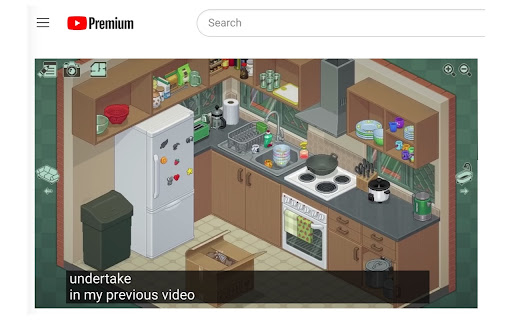
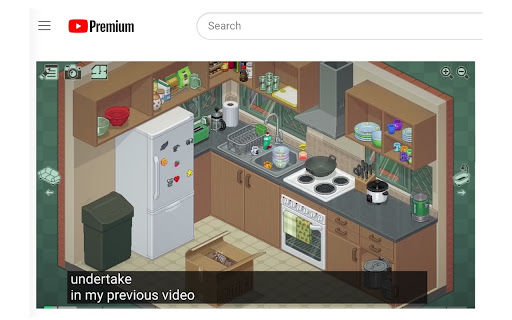
Youtube Controller hidden & Caption move freely
1. The playback progress bar can be kept visible continuously by pressing Ctrl/Cmd + Shift + U.
2. You can hide/show the playback controller UI and the progress bar using Ctrl/Cmd + Shift + i, O, P.
3. Subtitles can be freely moved and locked in position.
4. I don't like these default shortcuts. This configuration is designed to avoid key conflicts. You can also reconfigure the shortcuts in Extension -> Keyboard Shortcuts.
Feel free to use this free plugin, and have a great time playing!
Super John
| 分类 | 🎉趣味休闲 |
| 插件标识 | kclpkcemkhniandfingdpopdgcjlgcld |
| 平台 | Chrome |
| 评分 |
★★★★☆
4.6
|
| 评分人数 | 211 |
| 插件主页 | https://chromewebstore.google.com/detail/youtube-controller-hidden/kclpkcemkhniandfingdpopdgcjlgcld |
| 版本号 | 1.0.3 |
| 大小 | 16.7KiB |
| 官网下载次数 | 35 |
| 下载地址 | |
| 更新时间 | 2023-09-21 00:00:00 |
CRX扩展文件安装方法
第1步: 打开Chrome浏览器的扩展程序
第2步:
在地址栏输入: chrome://extensions/
第3步: 开启右上角的【开发者模式】
第4步: 重启Chrome浏览器 (重要操作)
第5步: 重新打开扩展程序管理界面
第6步: 将下载的crx文件直接拖入页面完成安装
注意:请确保使用最新版本的Chrome浏览器
同类插件推荐
Youtube Controller hidden & Caption move
Youtube Controller hidden & Caption move freel

Youtube Shorts Controller
Youtube Shorts Controller for fast-forwarding, rew

instantly Youtube Ad Skipper
Skips all Youtube ads | removes banner and sidebar

YouTube Shorts Progress & Volume Controller
Allows a slider based controlling volume in youtub